
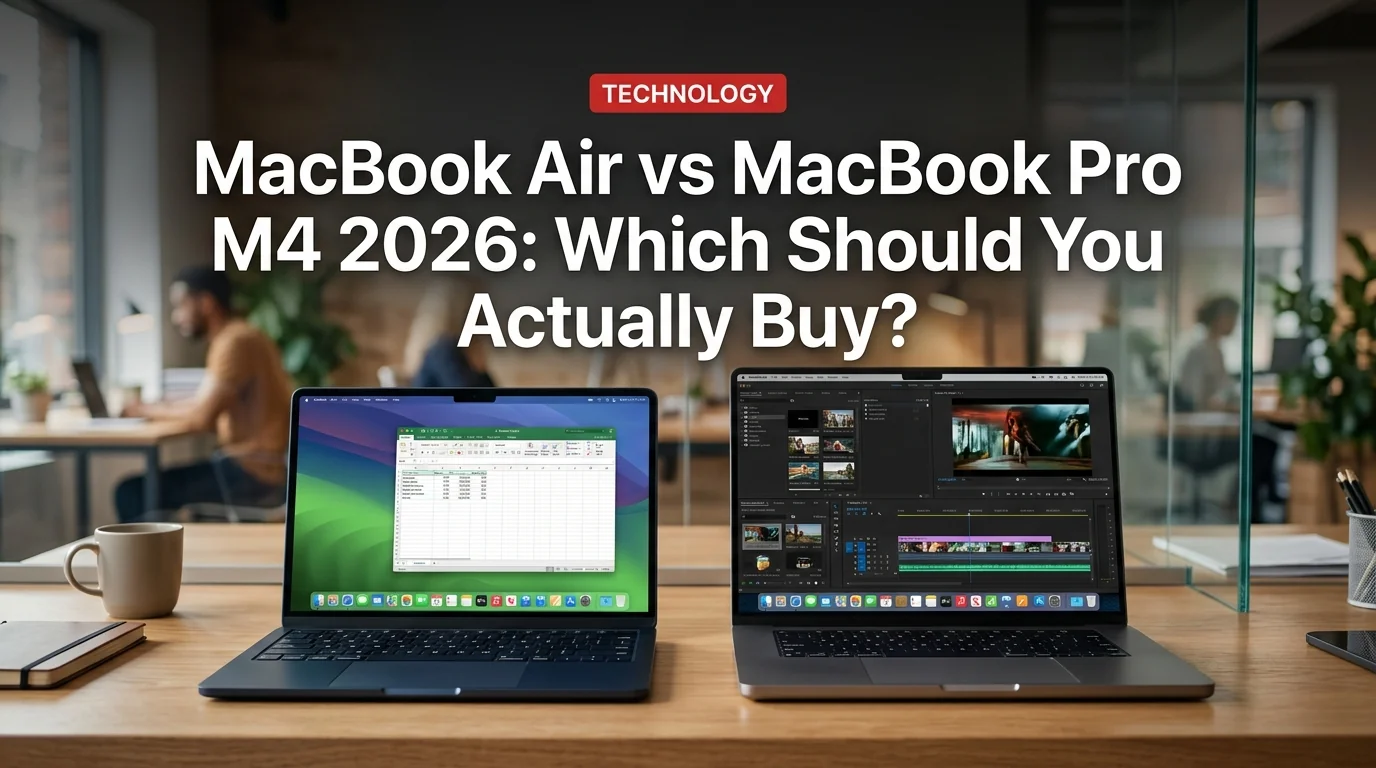
The most common Apple question of 2026 is deceptively simple: MacBook Air or MacBook Pro? Both now run the same M4 chip. Both start with 16GB of RAM. Both will handle everything most people throw at them without breaking a sweat.
So why does the Pro cost $500 more?
The answer matters — because most people buying a MacBook Pro probably don't need one. And some people buying a MacBook Air are leaving real performance on the table. Here's the honest breakdown after testing both.
Specs at a Glance
| Feature | MacBook Air M4 (15") | MacBook Pro M4 (14") |
|---|---|---|
| Price | $1,299 | $1,599 |
| Chip | Apple M4 (8-core CPU) | Apple M4 (10-core CPU) |
| GPU Cores | 10-core | 10-core |
| RAM | 16GB unified | 16GB unified |
| Storage | 512GB SSD | 512GB SSD |
| Display | 15.3" Liquid Retina 60Hz | 14.2" Liquid Retina XDR 120Hz |
| Peak Brightness | 500 nits | 1,600 nits HDR |
| Ports | 2x Thunderbolt 4, MagSafe, 3.5mm | 3x Thunderbolt 4, HDMI, SD card, MagSafe, 3.5mm |
| Battery | ~15 hours | ~18–22 hours |
| Cooling | Fanless | Active fan |
| Weight | 3.3 lbs | 3.4 lbs |
Performance: Where the Pro Actually Pulls Ahead
On paper, the chips are nearly identical. In Geekbench 6, both score around 3,800 single-core and 15,200 multi-core — essentially a dead heat for everyday tasks.
The real difference shows up under sustained load.
In a 30-minute Handbrake video encode, the MacBook Pro finished 26% faster than the Air — not because it has a faster chip, but because its fan keeps the processor running at full speed. The Air throttles under heat to protect itself.
For a 15-minute 4K export in Final Cut Pro, the Pro was 21% faster — roughly two minutes saved per export. For a casual YouTube creator, that barely matters. For a working video editor exporting ten projects a day, it adds up fast.
For everything else — coding in VS Code, running Docker, Zoom calls, browser work with 30 tabs — the Air is indistinguishable from the Pro in daily use.
Display: The Pro's Biggest Win
This is where the gap is most visible and most underappreciated in spec sheets.
The MacBook Air uses a beautiful 60Hz Liquid Retina LCD. The MacBook Pro uses a 120Hz Liquid Retina XDR with ProMotion — a mini-LED display that hits 1,600 nits HDR brightness and can drop to near-zero nits for true blacks.
In practical terms: the Pro's screen looks extraordinary. Scrolling feels liquid-smooth at 120Hz. HDR video genuinely pops. Photos edited on the Pro's display render color and shadow detail that simply aren't visible on the Air's panel.
For document work and code: the Air looks great. For visual creative work, photo/video editing, or anyone who just wants the best screen available: the Pro display is a meaningful upgrade.
Ports: The Pro Wins, No Contest
The MacBook Air has three ports: two Thunderbolt 4, a MagSafe 3 charger, and a 3.5mm jack. That's it. For most people with wireless peripherals, this is fine.
- MacBook Pro adds: full-size HDMI 2.1, SD card reader (UHS-II), third Thunderbolt 4 port
- HDMI means direct connection to any monitor or projector — no dongle required
- SD card slot reads at up to 250 MB/s, critical for photographers and videographers
- MacBook Air users connecting to external displays need a USB-C hub or dongle
If you connect to external monitors, import footage from SD cards, or regularly present from projectors, the Pro's port selection saves real money on dongles and real friction in your workflow.
Battery Life: Surprisingly, the Pro Wins Here Too
Counter-intuitively, the MacBook Pro M4 outlasts the Air on battery — despite being thicker and having active cooling.
In real-world mixed-use testing, the 15-inch MacBook Air ran for about 15 hours and 14 minutes. The 14-inch MacBook Pro lasted 18 hours and 36 minutes. The Pro's larger chassis simply accommodates a bigger battery.
Both are exceptional. But if you're regularly working through full-day travel or long flights without a charger, the Pro's battery buffer is genuinely useful.
Who Should Buy the MacBook Air M4?
- $300–$500 cheaper than the Pro
- Lighter (2.7 lbs for 13", 3.3 lbs for 15") — easier to carry all day
- Fanless = completely silent operation, always
- 15-inch screen at $1,299 is exceptional value
- More than fast enough for 95% of real-world use cases
- Throttles under 30+ minutes of sustained CPU/GPU load
- 60Hz display vs Pro's 120Hz ProMotion
- Only 2 Thunderbolt ports + MagSafe (dongles needed for HDMI/SD)
- Lower peak brightness (500 nits vs 1,600 nits HDR)
Buy the Air if you are: a student, teacher, remote worker, developer, writer, web designer, casual photographer, or anyone whose heaviest workload is video calls, code, spreadsheets, and light photo editing.
Who Should Buy the MacBook Pro M4?
Buy the Pro if you are:
- A video editor working in 4K or higher
- A 3D artist or motion graphics designer
- A developer running large compilations, Docker environments, or ML model training
- A photographer doing heavy Lightroom/Capture One work with a direct SD card workflow
- Anyone who needs the best screen available without compromise
- Someone who regularly connects to external displays without wanting to think about dongles
- Perfect for: students, remote workers, developers, casual creators
- Starting at $1,099 (13") / $1,299 (15")
- Fanless, silent, ultralight
- Great for travel and all-day carry
- Perfect for: video editors, 3D artists, power developers, photographers
- Starting at $1,599 (14")
- Active cooling for sustained performance
- Best display in any MacBook, ever
The Upgrade Math
Here's a simple way to decide: will you ever run something for 30+ minutes at full CPU load?
If yes — rendering video, compiling large codebases, training models, exporting 3D scenes — the Pro's fan pays for itself. You're getting a computer that finishes that work faster and doesn't thermal-throttle mid-project.
If no, you're spending $300–$500 extra for benefits you won't regularly use. Buy the Air, pocket the difference, and spend it on storage or RAM upgrades instead.
Final Verdict
The MacBook Air M4 is one of the best laptops ever made at its price point — full stop. The 15-inch model at $1,299 offers an enormous screen, all-day battery, and near-silence in a package that outperforms anything from Intel just two years ago.
The MacBook Pro M4 justifies its premium for a specific buyer: creatives and developers who need sustained peak performance, the best display available, and a port selection that eliminates dongles entirely.
Most people should buy the Air. The right people should absolutely pay for the Pro.


