
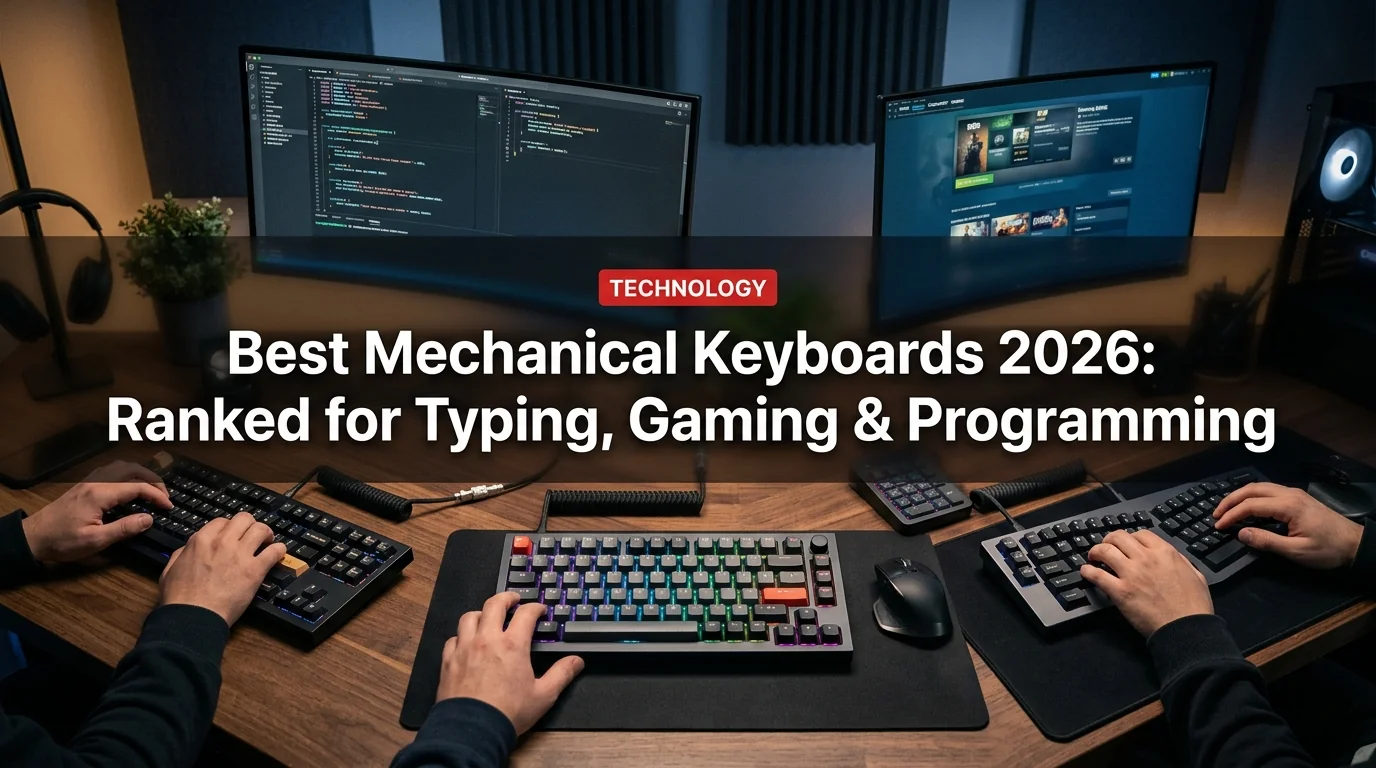
Mechanical keyboards have exploded from niche enthusiast hardware to mainstream must-haves for gamers, programmers, and anyone who spends hours at a desk. But the market is cluttered. There are dozens of switch types, dozens of form factors, and a price range from $50 to $500. This guide cuts through the noise: eight keyboards ranked by real-world use case, with clear winners for every budget.
What Makes a Mechanical Keyboard Worth Buying in 2026
Before the rankings, here's what actually matters:
- Switch type — Linear (smooth), Tactile (bump), Clicky (audible click). See table below.
- Form factor — Full (100%), TKL (80%), 75%, 65%, 60%. Smaller = more desk space.
- Hot-swap — Can you change switches without soldering? Premium boards have this; budget boards often don't.
- Gasket mount — The PCB floats on gaskets instead of hard-mounting, giving a softer, bouncier feel. Widely considered superior.
- Wireless — Bluetooth and/or 2.4GHz dongle. Game-changer for clean desks.
- Actuation force — How hard you need to press. Light (35-45g) for fast typists; heavier (55-65g) if you want to avoid accidental keypresses.
Switch Type Cheat Sheet
| Switch | Feel | Sound | Best For |
|---|---|---|---|
| Linear (Red, Black, Yellow) | Smooth, no bump | Quiet-ish | Gaming, fast typing |
| Tactile (Brown, Clear) | Bump at actuation | Moderate | Typing, coding, office |
| Clicky (Blue, Green) | Bump + click | Loud | Typists who love feedback |
| Silent Linear | Smooth, dampened | Very quiet | Offices, late nights |
| Silent Tactile | Bump, dampened | Near silent | Best of both worlds |
1. Keychron Q3 Max — Best Overall ($169)
The Keychron Q3 Max is the sweet spot between enthusiast and mainstream. It's a 75% form factor, QMK/VIA programmable, gasket-mounted, and comes with Bluetooth + 2.4GHz wireless. The aluminum case gives it serious heft (1.56 kg) without feeling like a toy.
- Gasket mount feels premium — soft, bouncy typing experience
- Wireless triple-device Bluetooth + 2.4GHz dongle
- Hot-swappable switches (no soldering required)
- QMK/VIA support for full key remapping
- Aluminum case — doesn't flex, doesn't rattle
- Heavy at 1.56kg — not a travel board
- $169 is mid-premium, not budget
- 2.4GHz dongle uses USB-A (not USB-C)
Best for: Writers, programmers, and power users who want a board they'll keep for 5+ years.
2. Nuphy Air75 V2 — Best Wireless for Travel ($109)
The Nuphy Air75 V2 is a 75% layout with a low-profile design that sits noticeably flatter than standard keyboards. It's wireless (Bluetooth + 2.4GHz), aluminum top plate, and compatible with Mac and Windows layouts out of the box. At 630g, it's light enough to throw in a bag.
Best for: People who work from multiple locations and want a real mechanical feel in a slim package.
3. ASUS ROG Strix Scope II 96 Wireless — Best for Gaming ($149)
ROG's Scope II 96 hits the trifecta for gamers: ROG NX mechanical switches with fast actuation, per-key RGB that's actually bright and configurable, and a 96% layout that keeps the numpad without going full-size. The 2.4GHz connection runs at 1000Hz polling rate — zero perceptible lag.
- 1000Hz polling rate on 2.4GHz — competitive gaming ready
- Bright per-key RGB with Aura Sync
- 96% layout keeps numpad for spreadsheet users
- ROG NX switches have satisfying tactile bump
- Heavy-ish at 1.1kg
- Software (Armoury Crate) is bloated
- Not hot-swappable
Best for: Gamers who also do data work and need a numpad.
4. Keychron K2 Pro — Best Value Wireless ($99)
The K2 Pro is the go-to recommendation for anyone entering mechanical keyboards without wanting to start at $50 and immediately want to upgrade. It's 75% layout, hot-swappable, wireless, and QMK/VIA compatible. Available with Gateron G Pro switches in Red, Brown, or Blue. The polycarbonate frame is lighter than the Q series and the price is $70 cheaper.
Best for: First-time mechanical keyboard buyers who want quality without regret.
5. Logitech MX Mechanical — Best for Office & Mac ($99–$129)
Logitech's MX Mechanical is the oddball on this list — it uses Kailh-manufactured "Logitech" switches (not Cherry, not Gateron), comes in a low-profile version, and integrates seamlessly with the MX ecosystem (MX Master mouse, MX Keys). It's the least "enthusiast" option but the most practical for office users who want cross-device Bluetooth.
Best for: Mac users already in the Logitech ecosystem, or office workers who switch between 3+ devices daily.
6. Ducky One 3 SF — Best 65% Layout ($109)
Ducky has been a benchmark brand in the mechanical keyboard world for years. The One 3 SF (65%) drops the function row for extra desk space while keeping arrow keys — a layout that many programmers prefer. It uses Cherry MX switches (the most widely tested), has a hot-swap PCB, and Ducky's build quality has always been above its price point.
Best for: Programmers and minimalists who want a clean desk and don't need the function row.
7. Redragon K552 — Best Budget Under $40 ($35)
Budget mechanical keyboards used to mean compromising on everything. The Redragon K552 changed that expectation. It's a TKL layout with Outemu Blue switches (Cherry MX Blue equivalents), RGB per-key, and a solid plastic build that doesn't flex. For $35, you're getting a legitimate mechanical experience — not a membrane keyboard pretending to be one.
Best for: People who want to try mechanical keyboards without spending real money.
8. Wooting 60HE — Best for Competitive Gamers ($175)
The Wooting 60HE is a specialist tool. It uses Hall Effect (magnetic) switches instead of traditional mechanical switches, which means it detects how far you press a key — not just whether it's pressed. This enables "rapid trigger" (reset the key immediately when you release, not at a fixed point), which is a meaningful competitive advantage in games like Counter-Strike 2 and Valorant. It's overkill for casual gaming but dominant for serious FPS players.
- Hall Effect switches never wear out (no physical contact)
- Rapid Trigger feature is a real competitive edge in FPS games
- Fully programmable actuation point per key
- Excellent software (Wootility)
- 60% layout — no arrow keys, no numpad, no function row
- $175 for a 60% is a steep ask
- Overkill for anyone not playing competitive FPS
Best for: Competitive FPS gamers (CS2, Valorant, Apex) who want every edge possible.
Rankings at a Glance
Which Switch Should You Choose?
This is the most common question for first-time buyers:
- You game fast → Linear (Red or Yellow). No tactile bump to slow you down.
- You type long documents → Tactile (Brown or Clear). Feedback helps accuracy.
- You're in an office → Silent Linear or Silent Tactile. Your coworkers will thank you.
- You love the clicky feeling → Blue. But know that they're loud enough to be heard on video calls.
- You're not sure → Brown. It's the most versatile switch and the most popular globally.
Form Factor Guide
| Layout | Keys | Has Numpad | Has F-Row | Has Arrows | Best For |
|---|---|---|---|---|---|
| Full (100%) | 104+ | Yes | Yes | Yes | Data entry, gaming |
| TKL (80%) | 87 | No | Yes | Yes | Most users |
| 75% | ~84 | No | Yes | Yes | Best balance |
| 65% | ~68 | No | No | Yes | Programmers, minimalists |
| 60% | ~61 | No | No | No | Ultra-compact, travel |
What to Watch in 2026
A few trends worth knowing before you buy:
- Hall Effect keyboards are getting cheaper — expect $80–$100 Hall Effect options by late 2026
- Tariff impact: Keyboards manufactured in China saw 10–15% price increases in early 2026 due to US tariffs — prices may fluctuate
- AI integration: Logitech and ASUS have begun adding dedicated AI shortcut keys; functional or gimmick TBD
- South paw layouts (numpad on left) are niche but growing for left-handed data entry workers
Final Recommendation by Use Case
- Best overall: Keychron Q3 Max ($169)
- Best for gaming: ASUS ROG Strix Scope II 96 ($149) or Wooting 60HE for competitive ($175)
- Best for typing/coding: Keychron Q3 Max or Ducky One 3 SF ($109)
- Best wireless value: Keychron K2 Pro ($99)
- Best for Mac + office: Logitech MX Mechanical ($99)
- Best budget: Redragon K552 ($35)
- Best travel: Nuphy Air75 V2 ($109)


