
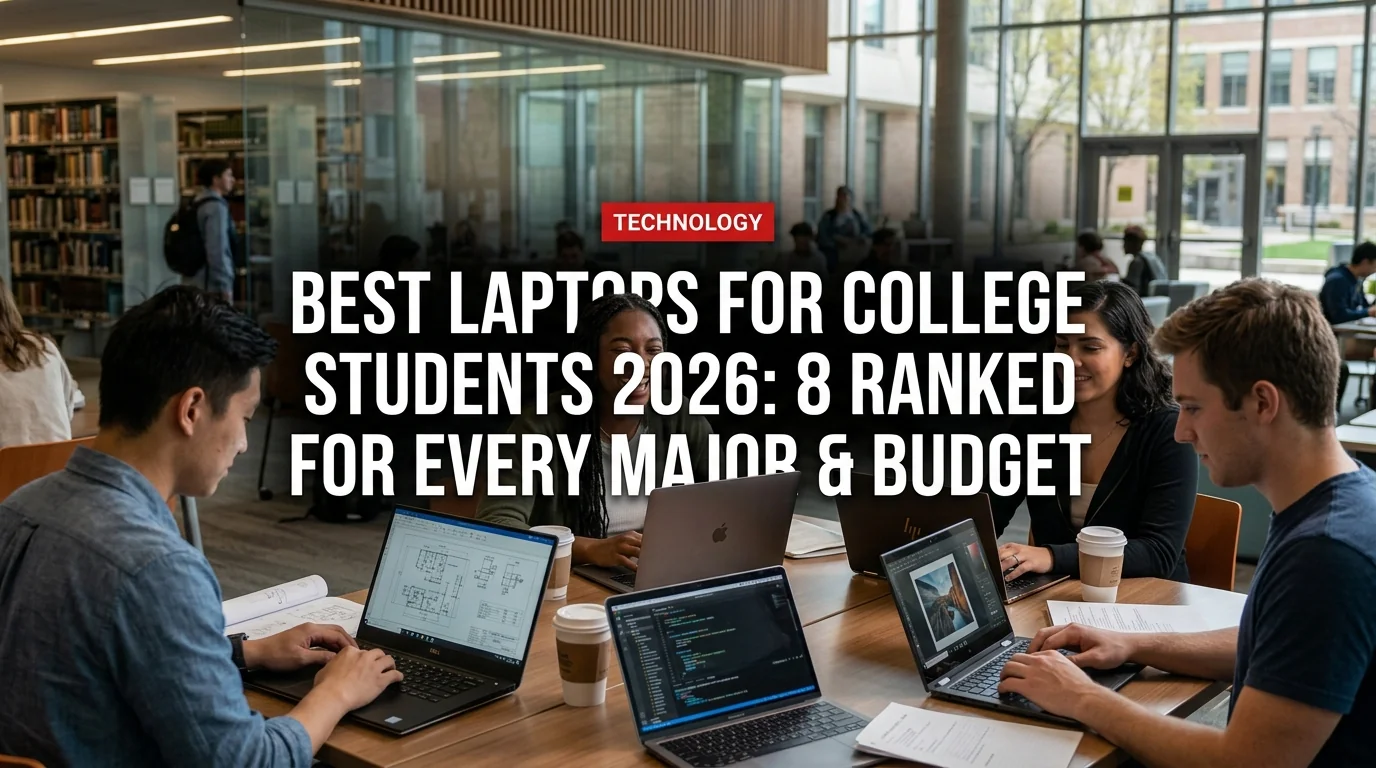
Buying a laptop for college in 2026 means wading through hundreds of options across wildly different price points. The wrong pick costs you battery life in lecture halls, lag during finals, or a 5-pound anchor in your backpack. This guide cuts through the noise: 8 laptops ranked by real-world student use, from best-overall to best-on-a-budget.
The 8 Best Laptops for College Students in 2026
1. MacBook Air 13-inch M4 — Best Overall
Price: $1,099 | Battery: 18 hours | Weight: 2.7 lbs
The MacBook Air M4 (released early 2026) is the laptop most college students should buy. It runs cool and silent with no fan, lasts through a full day of classes without hunting for an outlet, and the build quality means it survives four years of dorm life. The 13-inch display is sharp enough for everything but video editing.
Best for: Business, humanities, pre-law, pre-med note-takers, anyone who wants a set-it-and-forget-it laptop.
- Best battery life in any laptop under $1,200
- Fast, silent, runs everything except Windows-only software
- Resale value holds better than any Windows competitor
- Apple ecosystem (iPhone, AirPods, iPad) integration is seamless
- Locked into macOS — incompatible with some Windows-only engineering software (SolidWorks, AutoCAD for Windows)
- Only 2 USB-C ports — dongle needed for presentations
- Cannot upgrade RAM or storage after purchase — buy 16GB/512GB minimum
2. Dell XPS 13 (2026 edition) — Best Windows Laptop
Price: $1,149 | Battery: 13 hours | Weight: 2.8 lbs
The XPS 13 is the MacBook Air for Windows users. Dell's 2026 refresh brings Intel Core Ultra 7 (Series 2) with improved AI performance and a stunning 2.8K OLED display option. It's thin, premium, and now finally ships with 16GB RAM as standard. If your major requires Windows software, this is the first stop.
Best for: Engineering students, STEM majors requiring Windows, business students needing Office 365 native integration.
3. ASUS Zenbook 14 OLED — Best Value Under $800
Price: $749 | Battery: 14 hours | Weight: 2.9 lbs
For students who want OLED quality and all-day battery without the four-figure price tag, the Zenbook 14 OLED delivers. The AMD Ryzen AI 9 processor handles multitasking well, and the OLED screen makes it genuinely enjoyable to work on — important when you're staring at it for 8 hours during finals.
Best for: Humanities, social sciences, journalism, pre-med — any major where you primarily write, research, and run browser-based tools.
4. Lenovo ThinkPad X1 Carbon Gen 13 — Best for STEM & Engineering
Price: $1,289 | Battery: 15 hours | Weight: 2.48 lbs
ThinkPads have been the laptop of choice for engineers and developers for two decades. The X1 Carbon Gen 13 weighs under 2.5 pounds — lighter than the MacBook Air — while offering the best keyboard in any laptop category. The MIL-SPEC durability rating means it survives drops, spills, and the chaos of lab environments. Runs all Windows engineering software natively.
Best for: Computer science, electrical engineering, mechanical engineering, physics, data science.
5. Microsoft Surface Pro 11 — Best 2-in-1 for Arts & Design
Price: $1,299 (tablet only) | Battery: 14 hours | Weight: 1.96 lbs (tablet)
The Surface Pro 11 is a tablet and laptop in one. For illustration, architecture, music composition, and digital art majors who need stylus input and a portable canvas, nothing touches it. The Snapdragon X Elite processor runs ARM-native apps smoothly in 2026. Add the Surface Slim Pen 2 for $130 and you have a studio-quality drawing setup.
Best for: Architecture, fine arts, graphic design, music composition, animation.
6. HP Spectre x360 14 — Best Premium Windows 2-in-1
Price: $1,349 | Battery: 17 hours | Weight: 3.1 lbs
The Spectre x360 14 is for students who want Windows versatility and premium build quality. The 2.8K OLED touchscreen, included stylus, and 360-degree hinge make it ideal for students who switch between laptop mode for writing and tent/tablet mode for reading PDFs in bed. HP's 2026 refresh adds OLED as standard.
Best for: Business, nursing, pre-med, law students who annotate heavy PDFs and want presentation-ready hardware.
7. Acer Swift X 14 — Best for Creative & STEM Under $900
Price: $849 | Battery: 10 hours | Weight: 3.3 lbs
The Swift X 14 ships with a dedicated NVIDIA RTX 4060 GPU — rare at this price point. For students who need to run 3D modeling software, video editing, machine learning, or game development, this is the only laptop under $900 that won't bottleneck your coursework. The battery is shorter than competitors, so bring a charger to class.
Best for: Computer science (ML/AI focus), architecture 3D rendering, film production, game design.
8. Lenovo IdeaPad Slim 5 — Best Budget Pick Under $600
Price: $549 | Battery: 12 hours | Weight: 3.1 lbs
For students on tight budgets who need a reliable, capable laptop that won't fall apart in year two, the IdeaPad Slim 5 is the pick. AMD Ryzen 7 processor, 16GB RAM, and 512GB SSD at $549 makes it an extraordinary value. It won't turn heads or win benchmarks, but it will run every app you need through four years of college.
Best for: Any major where the primary workload is documents, research, and web-based coursework.
Quick Comparison: Which Laptop for Which Major
- Business / Pre-Law: MacBook Air M4 or HP Spectre x360 14
- Computer Science / Engineering: ThinkPad X1 Carbon or Acer Swift X 14
- Arts / Architecture / Design: Surface Pro 11 or HP Spectre x360 14
- Pre-Med / Nursing / Biology: MacBook Air M4 or ASUS Zenbook 14 OLED
- Humanities / Journalism / Social Sciences: MacBook Air M4 or Lenovo IdeaPad Slim 5
- Tight budget (under $600): Lenovo IdeaPad Slim 5
- Budget sweet spot ($700–$900): ASUS Zenbook 14 OLED or Acer Swift X 14
What to Actually Look For in a College Laptop
Battery Life: The Only Spec That Matters in Class
Target 12+ hours of real-world battery life — manufacturer specs are always inflated by 30–40%. A laptop rated at 15 hours by the manufacturer will deliver around 10–11 hours of actual use with Wi-Fi and brightness at 70%. Anything below 10 hours real-world means hunting for outlets in lecture halls.
RAM: 16GB Is the New 8GB
In 2026, 8GB RAM is not enough for college. Browsers eat memory aggressively — 10 Chrome tabs, a PDF, Zoom, and Spotify will push an 8GB machine to swap memory to the SSD, causing noticeable slowdowns. Buy 16GB minimum. If your laptop lets you upgrade later (most Lenovo/Dell do, most Apple do not), you can start with 16 and expand.
Storage: 512GB Minimum, 1TB Preferred
With apps, course files, photos, and media, 256GB fills up within a year. 512GB is the minimum for a four-year machine. If you're a media, architecture, or CS student storing project files, target 1TB.
Weight: Under 3.5 lbs for Daily Carry
You'll carry this laptop everywhere for four years. At 4.5–5 lbs, shoulder and back strain is real by year two. Target under 3.5 lbs for a daily laptop. If you need a powerful desktop replacement for creative work, keep it at your desk and use a lighter tablet or older machine for class.
Frequently Asked Questions
MacBook or Windows for college in 2026? MacBook for most students — better battery, longer lifespan, stronger resale value after graduation. Windows is the right call only if your major requires Windows-specific software (some engineering programs mandate AutoCAD, SolidWorks, or lab software that runs only on Windows).
Should I buy AppleCare for college? Yes, if buying a MacBook. College environments are hard on hardware — parties, dorm spills, bag drops. AppleCare+ at $99/year covers accidental damage. A single screen repair without it costs $400+.
Is a Chromebook worth it for college? For light use only — Google Docs, web research, media consumption. If your college requires any specialized software (MATLAB, Adobe Creative Cloud, statistical tools like SPSS or R), a Chromebook will fail you. Most college students should avoid Chromebooks.
Should I buy from the college bookstore? Compare prices first. Apple's education discount (available directly from apple.com/education) typically matches or beats bookstore pricing and includes a free pair of AirPods during back-to-school promotions. Microsoft and Dell offer similar student portals.
The right laptop is the one that lasts your entire degree without being a burden. For most students, the MacBook Air M4 is the obvious answer. If you're on Windows, the Dell XPS 13 or Lenovo ThinkPad X1 Carbon will serve you just as well — and all three will outlast four years of heavy student use.


