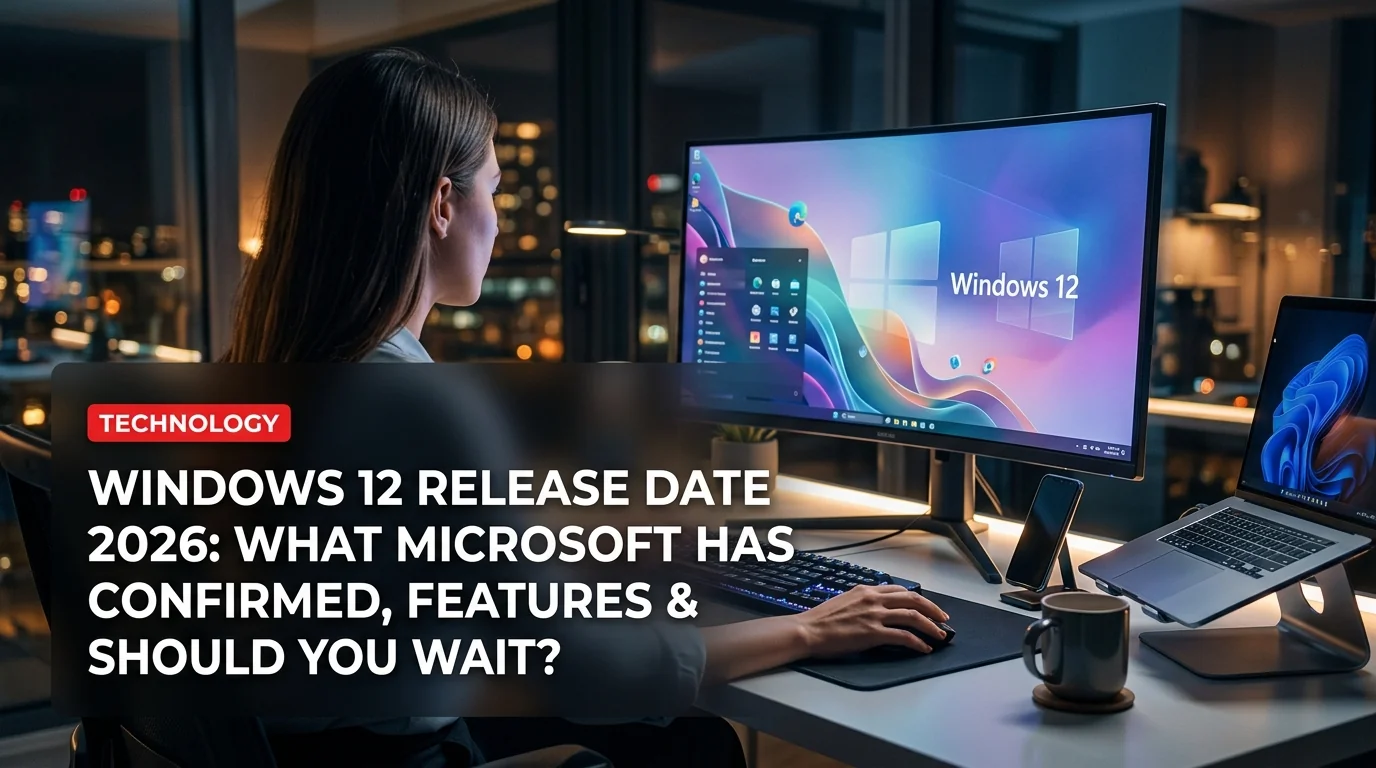
Microsoft's next major operating system has been the subject of intense speculation since Windows 11 launched in October 2021. Now, in 2026, the picture is finally getting clearer — and if you're thinking about buying a new PC or upgrading, here's everything you need to know about Windows 12 before making that decision.
What Microsoft Has Officially Said
Microsoft has been unusually tight-lipped about Windows 12 compared to previous OS launches. The company has focused its public messaging on Copilot+ PC requirements and rolling AI feature updates to Windows 11 — a strategy that has led many analysts to believe Windows 12 will be positioned as an AI-native operating system rather than just a visual refresh.
Satya Nadella confirmed in late 2025 that "the next era of Windows" would place AI at the center of every user interaction, with Copilot deeply embedded in the OS rather than bolted on as a sidebar.
Windows 12 Expected Release Date
Based on Microsoft's historical cadence and leaked internal roadmaps, here's the most realistic timeline:
This timeline mirrors Windows 11's rollout: it launched on October 5, 2021, roughly 6 years after Windows 10. A late 2026 release would put Windows 12 approximately 5 years after Windows 11 — a compressed cycle that reflects how rapidly AI hardware has evolved.
Key Features Expected in Windows 12
AI-First Shell
The most significant change coming to Windows 12 is a fundamentally redesigned shell built around AI. Microsoft's Copilot+ PC initiative — which required Neural Processing Units (NPUs) capable of 40+ TOPS — was widely interpreted as laying the groundwork for Windows 12 requirements.
Expected AI features include:
- Recall 2.0: An upgraded semantic search that indexes everything you've seen or done on your PC, accessible through natural language queries
- AI-powered Snap Assist: Window management that learns your workflow patterns and suggests layouts
- Live Captions & Translation: Real-time language translation across all apps, built into the OS
- Cocreator in Paint / Photos: Generative AI tools baked into first-party apps
Redesigned Start Menu and Taskbar
Windows 11's centered taskbar was divisive. Windows 12 is expected to offer a fully modular taskbar with widget-style customization and a Start Menu that surfaces AI-recommended content based on your schedule, recent files, and connected accounts.
Better Android and iPhone Integration
Phone Link has grown steadily in Windows 11. Windows 12 is expected to bring deeper iPhone mirroring (following the Corellium partnership expansion) and full Android app streaming without requiring a Samsung device.
Performance Overhaul
Microsoft has reportedly re-architected core system services to reduce background CPU and RAM usage — a direct response to years of criticism about Windows 11's resource consumption on mid-range hardware.
Hardware Requirements: Will Your PC Run Windows 12?
This is where things get complicated — and potentially expensive.
Windows 12 is expected to have a two-tier feature set:
- Base Windows 12 — Available to any PC that can run Windows 11 (TPM 2.0, 64-bit CPU, 4 GB RAM, 64 GB storage)
- Windows 12 AI Edition — Requires a Copilot+ certified device with a dedicated NPU (Intel Core Ultra 200-series, AMD Ryzen AI 300, Qualcomm Snapdragon X, or equivalent)
If you bought a standard laptop or desktop before 2024, you'll likely get the base version of Windows 12 without the headline AI features. The flagship Recall, AI-generated summaries, and real-time translation will require newer silicon.
- Free upgrade path from Windows 11 (expected)
- Deepest AI integration of any OS
- Improved performance on modern Copilot+ hardware
- More coherent design language vs Windows 11's inconsistency
- Better gaming features via DirectX 13 / Xbox integration
- AI features locked behind expensive Copilot+ hardware
- Older PCs may miss out on the best features
- Potential privacy concerns with Recall-style always-on indexing
- Likely driver compatibility issues at launch
- Windows 11 support continues until 2031 — no rush to upgrade
Should You Buy a PC Now or Wait for Windows 12?
This depends entirely on your situation.
Buy now if:
- You need a PC for work or school immediately
- You're looking at a Copilot+ certified device (it will run Windows 12 with full AI features)
- Your current PC is more than 5 years old and struggling
Wait if:
- You're eyeing a mid-range laptop under $700 that doesn't have an NPU
- You want to see how the Windows 12 AI features actually perform in reviews
- You're concerned about first-gen bugs (Windows launches historically have rough first 6 months)
What About Windows 10 and Windows 11 Users?
Windows 10 reaches end-of-support on October 14, 2025. If you're still on Windows 10 and your hardware can't run Windows 11, you face a choice: pay for Extended Security Updates (ESU), upgrade hardware, or switch to Linux.
Windows 11 users, meanwhile, are in a comfortable position. Microsoft has committed to supporting Windows 11 until October 2031, so there's zero urgency to jump to Windows 12 on day one.
The Bottom Line
Windows 12 is shaping up to be the most ambitious Windows release in a decade — not because of a visual redesign, but because AI is being baked into the fabric of the OS in ways that could genuinely change how people use their computers.
The caveat is hardware. If you don't have a Copilot+ device, you'll get Windows 12 but miss the headline features. Microsoft's strategy is clearly designed to push hardware refresh cycles — and that's worth factoring into any PC purchase decision you make in 2026.
For most users: don't rush. Windows 11 is stable, supported through 2031, and getting AI updates of its own. Windows 12 will be worth the wait — but the wait is likely at least 6-9 more months.