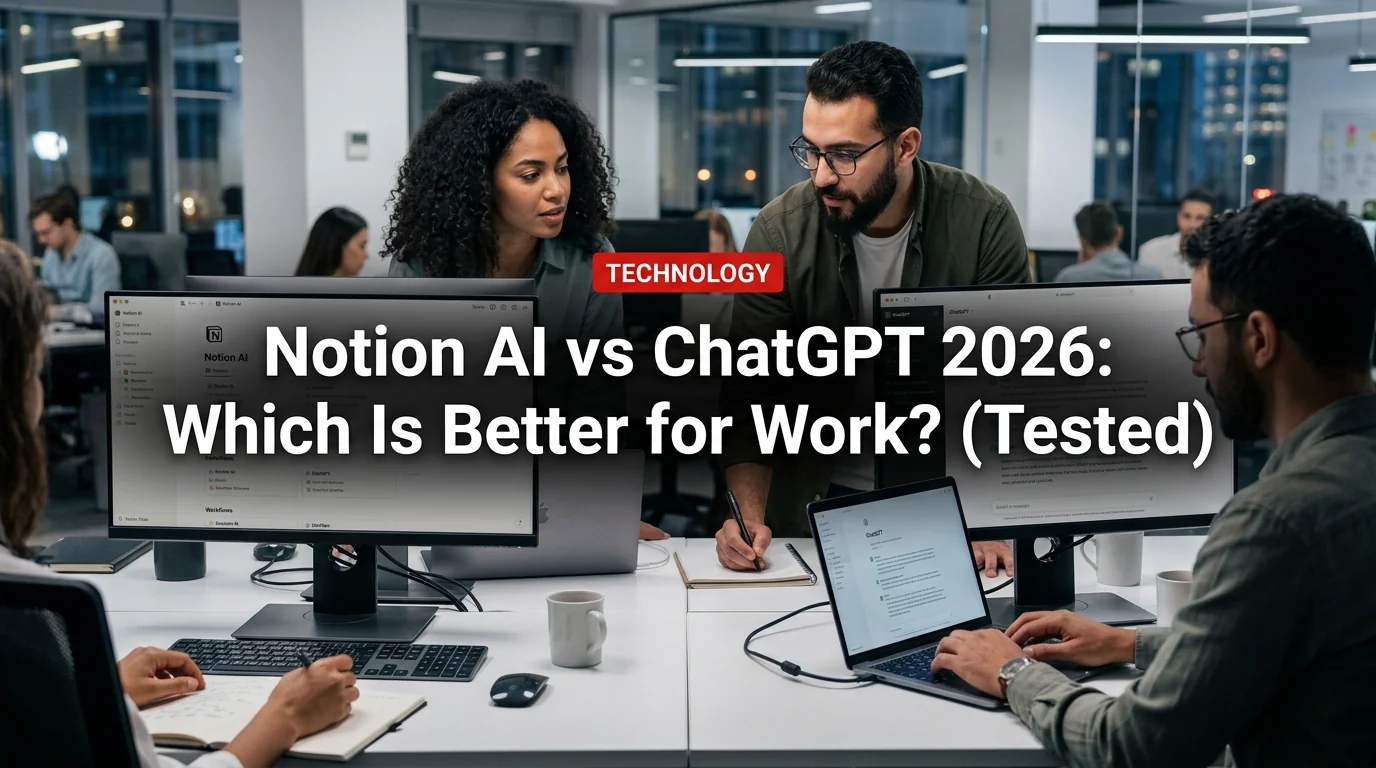
Notion AI and ChatGPT are both AI writing and productivity tools — but they're designed for very different workflows. Choosing between them isn't obvious until you understand what each one actually does well.
We tested both tools across real work tasks in 2026. Here's the honest comparison.
What Is Notion AI?
Notion AI is an AI assistant built directly into Notion — the popular workspace and note-taking app. It launched in 2023 and has matured significantly. In 2026, it can:
- Write, edit, and summarize text inside your Notion pages
- Answer questions based on your Notion workspace content
- Generate action items from meeting notes
- Translate content between languages
- Create databases, tables, and templates
- Search across your entire Notion workspace using AI
The key distinction: Notion AI knows your workspace. It can reference documents, projects, and notes you've saved in Notion — something a general AI like ChatGPT cannot do without manual copy-pasting.
What Is ChatGPT?
ChatGPT is OpenAI's general-purpose AI assistant. In 2026, the free tier gives access to GPT-4o — a capable model for writing, analysis, coding, research, and more. It's the most widely used AI tool globally and supports:
- Long-form writing and content creation
- Research and web browsing
- File and document analysis
- Code generation and debugging
- Image understanding
- Conversational Q&A
- Custom GPTs via the GPT Store
ChatGPT is not tied to any specific workspace. It's a standalone tool you open in a new tab.
Head-to-Head: Notion AI vs ChatGPT
- Built into Notion (no tab-switching)
- Can reference your workspace docs
- Great for meeting notes → action items
- Weaker at long-form generation
- $10/month add-on to Notion
- Limited to Notion context
- Standalone tool (tab-switch required)
- Broader general knowledge
- Better long-form writing quality
- Web browsing for current info
- Free tier available (GPT-4o)
- Works for any task or topic
Writing Quality
Winner: ChatGPT
For generating original content — blog posts, emails, reports, proposals — ChatGPT's GPT-4o consistently outperforms Notion AI. The output is more natural, better structured, and requires less editing. Notion AI's writing is functional but tends to feel more mechanical.
For editing and improving existing text, the gap narrows. Notion AI's in-line editing features (Improve Writing, Make Shorter, Change Tone) are convenient precisely because they work on the document you're already in.
Summarization
Winner: Notion AI (for Notion docs)
Notion AI wins for summarizing content that already exists in your workspace. Ask it to summarize a meeting notes page, condense a long document, or pull action items from notes — it does this faster than copy-pasting into ChatGPT.
For summarizing external content (web articles, PDFs), ChatGPT wins — it can browse the web or accept file uploads, which Notion AI cannot do for external sources.
Meeting Notes and Action Items
Winner: Notion AI
This is where Notion AI shines. Paste your meeting transcript into a Notion page, highlight it, and ask Notion AI to extract action items, decisions, and next steps. The workflow is seamless — everything stays in one place. ChatGPT can do this too, but it requires copy-pasting content out of Notion and back.
Research and Current Information
Winner: ChatGPT by a large margin
ChatGPT free tier has web browsing. Notion AI has no web access — it only knows what's in your workspace and its training data. For any research task involving current information, ChatGPT is the only option.
Pricing
Winner: ChatGPT (free tier)
Notion AI costs $10/month added onto whatever you pay for Notion. Notion's Plus plan is $12/month. So you're looking at $22/month minimum for a full Notion + Notion AI setup.
ChatGPT's free tier gives you GPT-4o access at no cost. ChatGPT Plus is $20/month and replaces the need for Notion AI in most writing tasks.
Ease of Use
Winner: Notion AI (within Notion)
The workflow advantage of Notion AI is real. Highlight text, press Space, and AI options appear. No new tabs, no copy-paste. If you're already working in Notion, the friction is genuinely lower than switching to ChatGPT.
Context Awareness
Winner: Notion AI
Notion AI's Q&A feature lets you ask questions across your entire workspace: "What did we decide about the product roadmap in Q3?" or "Find all projects that mention the design system." This is a capability ChatGPT simply doesn't have without a custom integration.
For teams with large Notion workspaces, this is increasingly valuable.
When to Use Each Tool
- Use Notion AI for: summarizing workspace docs, meeting notes, in-line editing within Notion pages, searching across your workspace
- Use ChatGPT for: original writing, research, web browsing, coding, file analysis, anything outside Notion
- Use both: Notion AI for workspace tasks, ChatGPT for everything requiring more power or external info
Who Should Pay for Notion AI?
Yes, if:
- You use Notion as your primary workspace for work
- Your team stores meeting notes, documents, and projects in Notion
- You want AI that understands your existing workspace content
- The in-line convenience matters to your workflow
No, if:
- You don't already use Notion heavily
- Your primary AI need is writing original content (ChatGPT is better)
- You're looking for the most capable AI at the best price (ChatGPT free tier wins)
- You need web browsing or file analysis (Notion AI can't do this)
The Verdict
Notion AI and ChatGPT aren't really direct competitors — they serve different primary needs. Notion AI is a workspace enhancement tool for people already in the Notion ecosystem. ChatGPT is a standalone AI powerhouse.
If you're a Notion power user, the $10/month Notion AI add-on is worth it for the workspace-aware features alone. If you're not in Notion or you need general AI capabilities, ChatGPT's free tier is more capable and costs nothing.
For most teams in 2026: use both. ChatGPT for raw AI tasks, Notion AI for keeping everything organized and searchable within your workspace.