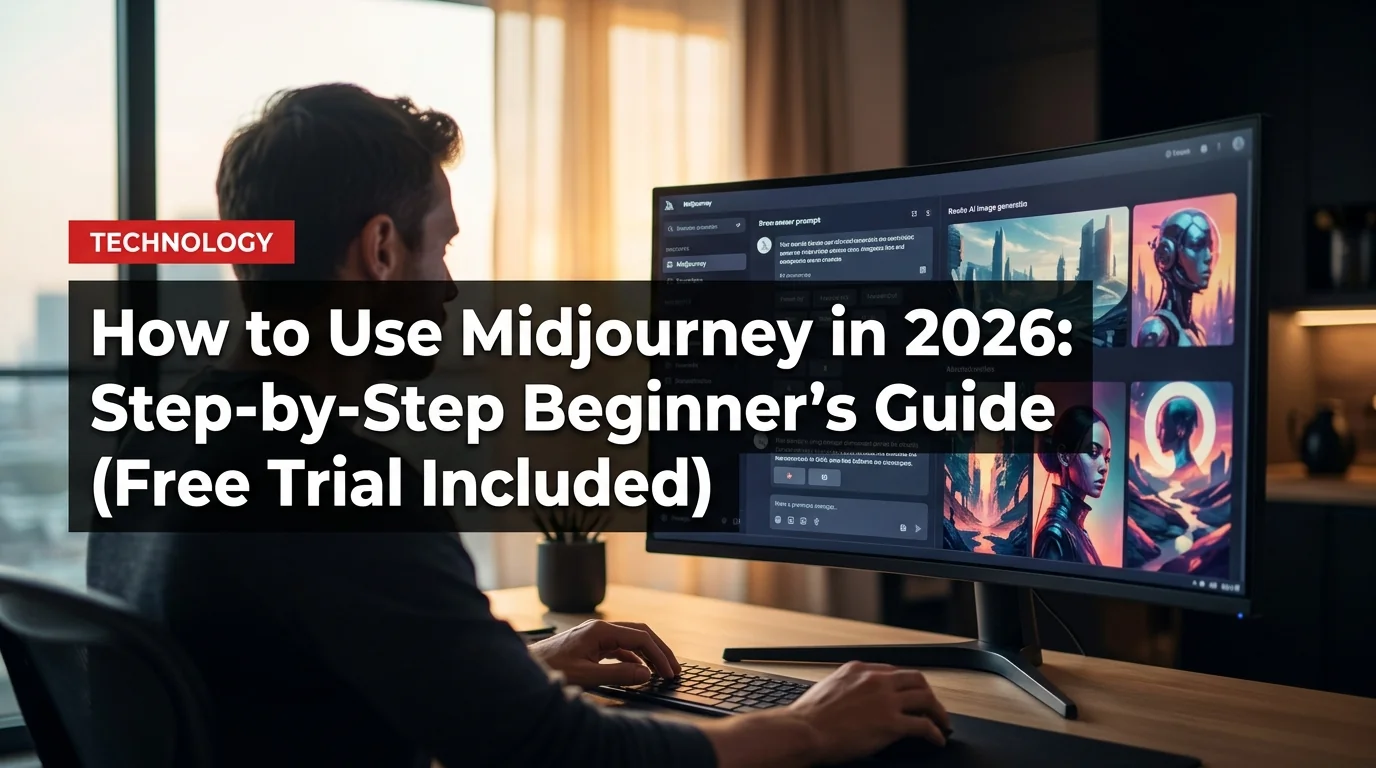
Midjourney is still the gold standard for AI image generation in 2026 — but the setup process intimidates most beginners. This guide walks you through everything: creating your account, writing your first prompt, unlocking the best parameters, and squeezing every last free image out of your trial. No Discord experience needed.
What Is Midjourney?
Midjourney is an AI image generator that creates photorealistic and artistic images from text descriptions (called "prompts"). Unlike DALL-E or Adobe Firefly, Midjourney runs primarily through Discord, which confuses new users — but once you're set up, it's the most powerful image tool available to non-professionals.
In 2026, Midjourney V7 is the current model, producing images that are virtually indistinguishable from professional photography in many styles.
Step 1: Create a Discord Account
If you don't have Discord, go to discord.com and create a free account. You only need a valid email — no phone number required initially.
- Click "Register" and fill in your details
- Verify your email address
- You don't need to join any server yet — just have the account ready
If you already have Discord, skip to Step 2.
Step 2: Subscribe to Midjourney
Midjourney ended its free trial in 2023, but there's a workaround (covered below). To subscribe:
- Go to midjourney.com
- Click "Sign In" and authorize with your Discord account
- Click "Manage Sub" and choose your plan:
Numbers represent monthly fast-mode images.
Best pick for beginners: Standard ($30/month). You get unlimited relaxed-mode generations plus 15 fast-mode hours. Most beginners burn through the Basic plan's 200 images in the first week.
Step 3: Join the Midjourney Discord Server
- Go to discord.gg/midjourney or click the Discord icon on midjourney.com
- Accept the invite and join the server
- Once inside, find a #newbies channel (there are several numbered ones)
- You'll send your commands here to start generating
Step 4: Write Your First Prompt
In any newbies channel, type:
/imagine prompt: a golden retriever puppy playing in autumn leaves, soft natural lighting, photorealistic
Hit Enter. Midjourney's bot will respond with four image variations in about 4–10 seconds.
Breaking down a good prompt:
- Subject: what you want ("golden retriever puppy")
- Action/setting: what it's doing and where ("playing in autumn leaves")
- Lighting: critical for realism ("soft natural lighting")
- Style: photorealistic, oil painting, anime, cinematic, etc.
Step 5: Understanding the Buttons
After generation, you'll see two rows of buttons:
- U1–U4: Upscale the corresponding image (higher resolution, more detail)
- V1–V4: Create four new variations based on that image
- 🔄 (Refresh): Generate four entirely new images from the same prompt
Click U2 (for example) to upscale your favorite image to full resolution.
Step 6: Master the Essential Parameters
Parameters go at the end of your prompt after two dashes:
/imagine prompt: mountain sunrise, cinematic --ar 16:9 --style raw --v 7
- --ar 16:9 — widescreen aspect ratio (good for wallpapers and YouTube thumbnails)
- --ar 1:1 — square (default, good for social media)
- --ar 9:16 — vertical (Instagram Stories, phone wallpapers)
- --style raw — less AI "prettying up", closer to your exact prompt
- --v 7 — forces V7 model (current best)
- --no text — removes any text from the image
- --s 0 — zero stylization, maximum literal prompt interpretation
- --s 750 — maximum stylization, very artistic and interpretive
Step 7: The Web App (Alpha)
Midjourney's web app at midjourney.com/imagine offers a cleaner interface than Discord:
- Log in with Discord
- Type your prompt in the top bar
- Use the sliders for aspect ratio, stylization, and model
- Browse your past generations in the gallery
The web app doesn't require you to be in a Discord server, but generation speed can be slightly slower outside peak hours.
How to Get Free Midjourney Images in 2026
Midjourney removed the free trial, but here's what still works:
- Friend's server invite: If a friend has a paid account, they can add the Midjourney bot to a private Discord server — you can generate images there without your own subscription
- Free alternatives for testing: Bing Image Creator (DALL-E 4, free), Adobe Firefly (free tier), Leonardo.ai (free tier) — test AI image generation before committing to Midjourney
- Annual billing discount: Paying annually saves ~20% ($96/year vs $120 for Basic)
Midjourney vs. The Competition in 2026
- Best overall image quality, especially photorealism
- Massive style range from photo to fine art
- Active community with prompt sharing and tutorials
- V7 handles complex compositions better than any competitor
- No free tier — costs at least $10/month
- Discord interface is awkward for beginners
- No true edit/inpainting without third-party tools
- Images default to public unless you pay for Pro stealth mode
Quick comparison:
- Midjourney V7: Best quality, no free tier, Discord-based
- Flux.1 (Black Forest Labs): Open-source, free to run locally, close quality
- Adobe Firefly: Best for commercial use (fully licensed), free tier available
- DALL-E 4 (via ChatGPT): Best for edits and iterations, needs ChatGPT Plus
- Stable Diffusion 3: Free and open-source, steeper technical learning curve
Verdict: Midjourney wins on raw image quality. Firefly wins for commercial-safe assets. Flux wins for free experimentation.
10 Prompt Templates to Steal
These prompts consistently produce high-quality results:
professional headshot of a [profession], studio lighting, shallow depth of field --ar 1:1 --style raw[product] product photography, white background, soft shadows, commercial --ar 1:1cinematic still from a film about [topic], golden hour, anamorphic lens --ar 16:9[city] skyline at night, long exposure photography, neon reflections --ar 16:9flat vector illustration of [subject], minimal, clean, pastel colors --ar 1:1oil painting portrait of [subject], Rembrandt lighting, museum quality --ar 2:3isometric 3D render of [scene], cute, colorful, game art style --ar 1:1macro photography of [small object], bokeh background, water droplets --ar 4:3fantasy landscape with [element], epic scale, dramatic clouds --ar 16:9infographic-style illustration showing [concept], clean design --ar 3:2
Common Beginner Mistakes
Final Tip: Join the Community
Midjourney's Discord is one of the best places to learn fast. The #prompt-craft channels are full of users sharing what works. Spending 30 minutes watching other people's prompts and results will teach you more than any guide.