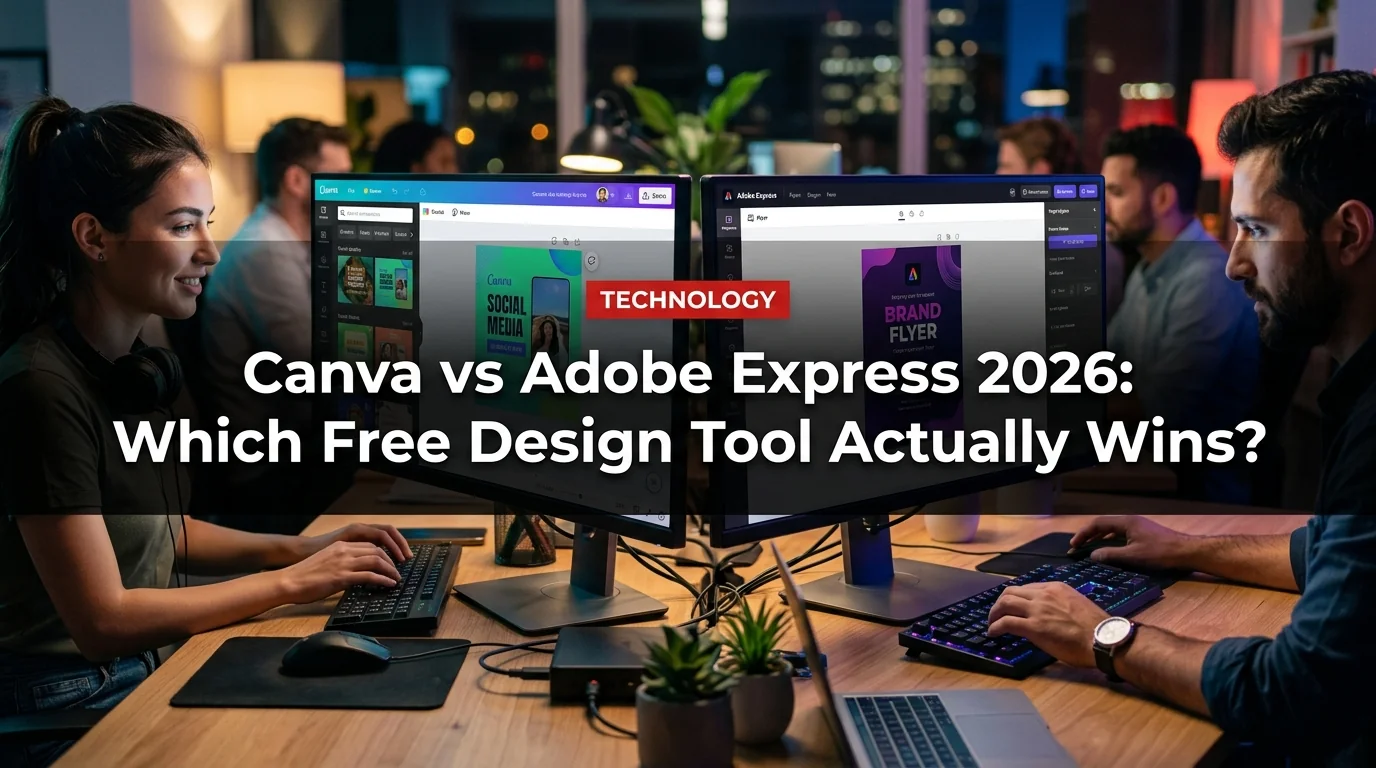
If you need to make a social post, a presentation, or a flyer without paying for a full Adobe Creative Cloud subscription, you're probably choosing between two tools: Canva and Adobe Express. Both are free. Both are browser-based. Both have mobile apps. But they're built for very different kinds of users — and picking the wrong one wastes time.
This is a direct, tested comparison for 2026. We break down free plan limits, AI features, template quality, export options, and which tool wins for each use case.
What's New in 2026
Both tools have evolved significantly over the past year. Canva rolled out its Magic Studio AI suite more broadly on the free tier, while Adobe integrated Firefly generative AI deeper into Express workflows. The result: both tools now offer AI image generation, AI text effects, and one-click background removal — features that used to cost money.
Free Plan: What You Actually Get
The free plan is where most users live. Here's how they compare:
Canva's free tier is genuinely usable for everyday design work. The template library is enormous and the editor is fast. The catch: many premium templates show a crown icon and require Pro. You'll hit the wall quickly if you want animated elements, premium fonts, or bulk scheduling.
Adobe Express free is more generous in one specific area: assets. Access to Adobe's stock photo and icon library for free is a real advantage. However, the template quality and variety lag behind Canva's for non-creative professionals.
Templates: Canva Wins by Volume, Adobe Wins for Creative Polish
Canva has over a million templates spanning every format imaginable — Instagram Reels, LinkedIn carousels, resumes, pitch decks, invoices, and more. The templates are optimized for current trends and get updated regularly.
Adobe Express has a smaller template library but the designs feel more polished and typographically refined — which makes sense, given Adobe's design heritage. If you're making something for a client or a professional portfolio, Adobe Express templates tend to look less "generic."
- 1M+ templates across all formats
- Constantly updated for social trends
- More beginner-friendly drag-and-drop
- Better for rapid-fire content creation
- Smaller library, higher visual quality
- Adobe Fonts included (thousands of premium typefaces)
- Better Creative Cloud integration
- Stronger for brand-consistent professional work
AI Tools: Firefly vs Magic Studio
This is the most interesting battleground in 2026. Both tools now offer AI generation, but the technology is different.
Canva Magic Studio includes:
- Magic Design (generate full designs from a prompt)
- Magic Media (generate AI images and videos)
- Magic Write (AI text generation)
- Background Remover
- Magic Eraser (remove objects from photos)
Adobe Express with Firefly includes:
- Text-to-image generation (trained on licensed Adobe Stock — commercially safe)
- Generative Fill (expand or replace parts of images)
- Text Effects (AI-styled typography)
- Remove Background
- Recolor vectors
The critical difference: Adobe Firefly is trained exclusively on licensed content, making it safer for commercial use. If you're creating assets for a business or client, this matters. Canva's Magic Media doesn't offer the same commercial IP guarantee.
Collaboration and Team Features
Canva's collaboration features are built into the free plan: you can share designs, leave comments, and invite teammates to edit in real time. It's one of the best real-time collaboration experiences in any design tool — comparable to Figma for simple design work.
Adobe Express free allows basic sharing but locks team brand management and co-editing behind the Premium tier. For solo users, this doesn't matter. For teams, Canva's free plan is a clear winner.
Export Options
Both tools export PNG and JPG for free. The differences:
- PDF export: Adobe Express includes PDF export on the free plan. Canva charges Pro for high-quality PDF exports (standard PDF is free, but PDF Print requires Pro).
- MP4 video export: Free on both, but Canva free adds a watermark to some video exports in certain templates.
- SVG export: Canva Pro only. Adobe Express allows SVG export for simple elements.
- Transparent PNG: Both offer this for free now (Canva updated in 2025).
Integrations
If you're in the Adobe ecosystem — Creative Cloud, Photoshop, Illustrator, Lightroom — Adobe Express is the obvious choice. You can open Photoshop files directly, access your Creative Cloud Libraries, and publish to Adobe Portfolio.
Canva integrates with Google Drive, Dropbox, Slack, HubSpot, and dozens of other tools. For teams using project management and communication tools, Canva's integration ecosystem is broader.
Which One Should You Use?
- Choose Canva if you create social content at volume, need real-time team collaboration, or are a beginner who wants the fastest learning curve
- Choose Adobe Express if you work in the Adobe ecosystem, need commercially safe AI outputs, or prioritize typographic quality
- Choose Canva Pro ($15/mo) if you need Brand Kit, unlimited AI, and bulk scheduling
- Choose Adobe Express Premium ($9.99/mo or included in CC) if you already pay for Creative Cloud
Verdict
For most people — content creators, small business owners, marketers, students — Canva wins in 2026. The free plan is more functional, the template library is larger, and the collaboration tools are better. The learning curve is gentler and the output is consistently social-media ready.
Adobe Express wins for professionals who care about brand typography, commercial AI safety, or Creative Cloud integration. The Firefly advantage is real for client work. And at $9.99/month (or free with an existing CC subscription), it's cheaper than Canva Pro.
The bottom line: use Canva if you're creating content. Use Adobe Express if you're a creative professional who also needs a quick-publish tool. Both are free to try — and in 2026, both have gotten genuinely good.