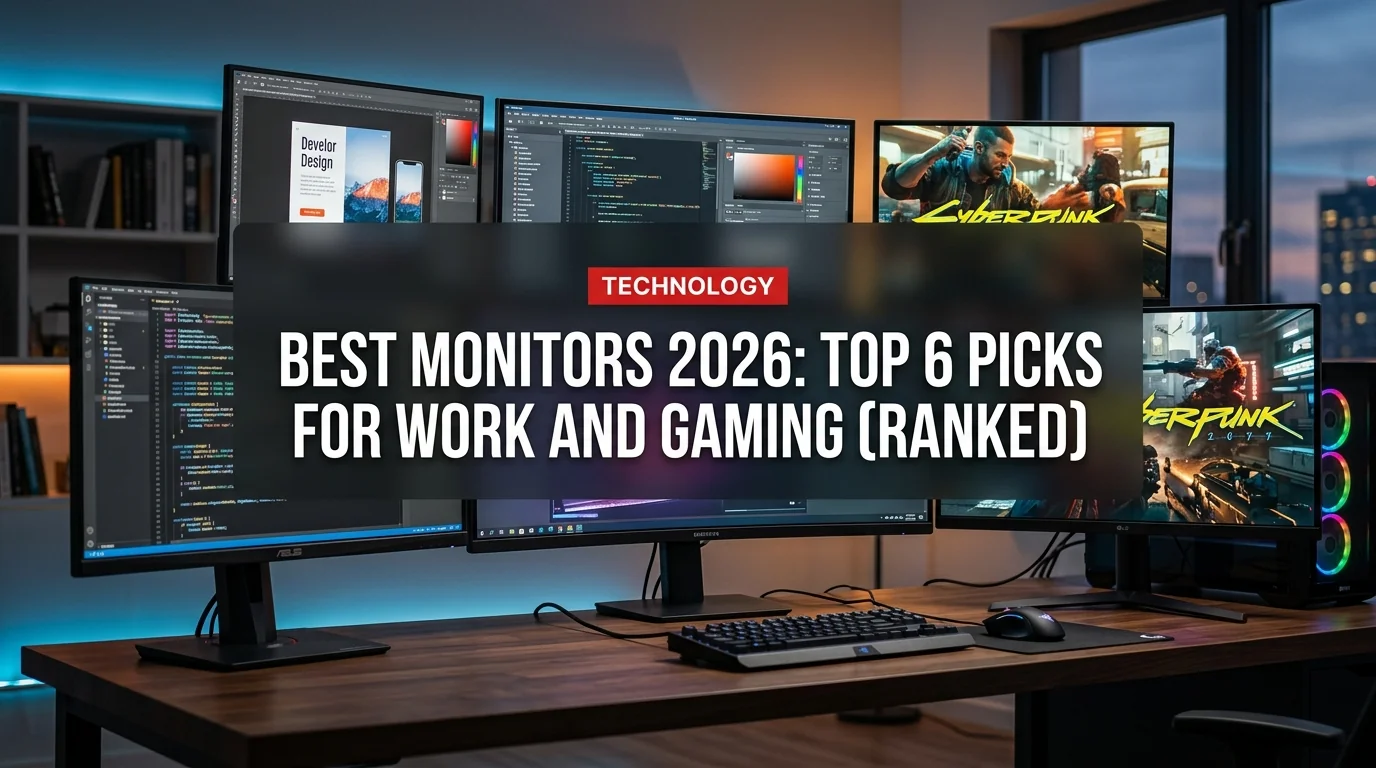
Buying a monitor in 2026 is genuinely confusing. OLED panels dropped into the $500 range, 4K hit 240Hz, and every brand is calling their screen "pro-grade." This guide cuts through the noise — six picks, one clear winner per category, no filler.
What to Look For in 2026
Before the picks, here is what actually matters:
Resolution is your foundation. 1080p is fine for budget gaming but looks soft on anything above 24 inches. 1440p (2560x1440) is the sweet spot — sharp, fast, and does not punish mid-range GPUs. 4K is worth it for photo/video work and big-screen setups; gaming at 4K still demands a top-tier GPU.
Panel type divides buyers more than anything else. IPS panels deliver accurate colors and wide viewing angles — ideal for productivity. OLED has perfect blacks and near-instant response, but carries burn-in risk with static elements like taskbars. VA panels land in the middle: deeper contrast than IPS, slower than OLED.
Refresh rate matters most for gaming. 144Hz is the entry point; 165-240Hz is where competitive play lives. For work-only use, 60Hz is perfectly fine.
The 6 Best Monitors of 2026
1. Best Overall — LG 27GR95QE-B UltraGear OLED
The LG 27GR95QE-B is where most people should stop scrolling. It is a 27-inch OLED at 2560x1440 with a 240Hz refresh rate and 0.03ms response time. Colors are rich and accurate, blacks are true black, and motion is butter-smooth.
Key specs: 27" | 1440p | 240Hz | OLED | ~$750
It works equally well for gaming sessions and day-to-day creative work. The OLED panel does not get as bright as some mini-LED alternatives, which matters if your desk gets direct sunlight.
2. Best for Competitive Gaming — ASUS ROG Swift PG27AQDM
If you play anything where reaction time is the margin between winning and losing — FPS, racing sims, fighting games — this is the pick. The ASUS ROG PG27AQDM packs a 240Hz OLED panel with a 0.03ms response time in a 27-inch, 1440p package.
Key specs: 27" | 1440p | 240Hz | OLED | ~$750
G-Sync and FreeSync compatible, with full DCI-P3 color space coverage. The main difference from the LG above is aesthetics — the ROG design is more aggressive. Performance is essentially identical.
3. Best for Work and Productivity — Dell UltraSharp U2723QE
The U2723QE is a 27-inch 4K IPS Black panel — a variant that delivers 2x the contrast ratio of standard IPS without burn-in risk.
Key specs: 27" | 4K | 60Hz | IPS Black | ~$580
It ships with USB-C (90W power delivery), so your laptop needs just one cable. Color accuracy is excellent — 99% sRGB, 98% DCI-P3. If you spend 8 hours looking at spreadsheets and documents, this is your monitor.
4. Best Budget — Gigabyte G27Q
At around $200, the Gigabyte G27Q punches hard. It is a 27-inch 1440p IPS panel at 144Hz with FreeSync Premium support. Colors are solid, the stand adjusts (tilt, height, pivot), and the response time is acceptable for mainstream gaming.
Key specs: 27" | 1440p | 144Hz | IPS | ~$200
You give up OLED contrast and extreme refresh rates, but for everyday gaming and work, the gap is not dramatic.
5. Best Ultrawide — LG 34GN850-B
Ultrawide monitors transform productivity. Side-by-side apps without dual-monitor cable clutter, immersive gaming with peripheral vision filled in, cinematic video playback. The LG 34GN850-B is the benchmark at this size: 160Hz, IPS, excellent color accuracy.
Key specs: 34" | 3440x1440 | 160Hz | IPS | ~$750
Note: not all games support ultrawide natively. For work and single-player gaming, though, the format is transformative.
6. Best Super-Ultrawide — Samsung Odyssey Neo G9
The Neo G9 is effectively two 27-inch 1440p monitors fused into one seamless 49-inch display. The mini-LED backlight delivers contrast approaching OLED levels without burn-in concerns.
Key specs: 49" | 5120x1440 | 240Hz | VA Mini-LED | ~$1,300
It requires significant desk depth and a powerful GPU. For creative studios or trading setups, nothing else competes.
OLED vs IPS: The 2026 Decision
OLED is no longer a luxury niche — it is mainstream at $500+. Here is the honest breakdown:
- Perfect true black — infinite contrast ratio
- 0.03ms response time — unmatched for motion clarity
- Rich, accurate colors at factory calibration
- No backlight bleed or IPS glow
- Static elements (taskbars, HUDs) risk burn-in over years
- Lower peak brightness than mini-LED in direct sunlight
- Costs $200-$300 more than comparable IPS
The practical rule: if you mostly game and consume video, OLED wins clearly. If you have a bright room or display static dashboards all day, IPS or mini-LED is the safer long-term choice.
Smart Buying Tips for 2026
- Match your GPU first — a 4K 240Hz monitor is wasted on a GTX 1080
- 1440p 165Hz IPS is the best value sweet spot at ~$250-$350
- Always check for USB-C with power delivery if you use a laptop at your desk
- OLED burn-in is real but rare with normal mixed use — game and browse freely
- 27 inches at 1440p hits ideal pixel density (109 PPI) — larger at 1440p looks soft
The Verdict
For most people: LG 27GR95QE-B or a comparable 1440p OLED in the $700-$800 range. The OLED premium is smaller than it has ever been.
On a budget: Gigabyte G27Q at $200. Outstanding for the money.
For work-only: Dell U2723QE — reliable, accurate, excellent connectivity, zero burn-in risk.
The monitor market in 2026 is the best it has ever been. OLED is mainstream, refresh rates have scaled to 4K, and even budget panels have closed the gap significantly. Match the panel to your workload and you cannot go wrong.