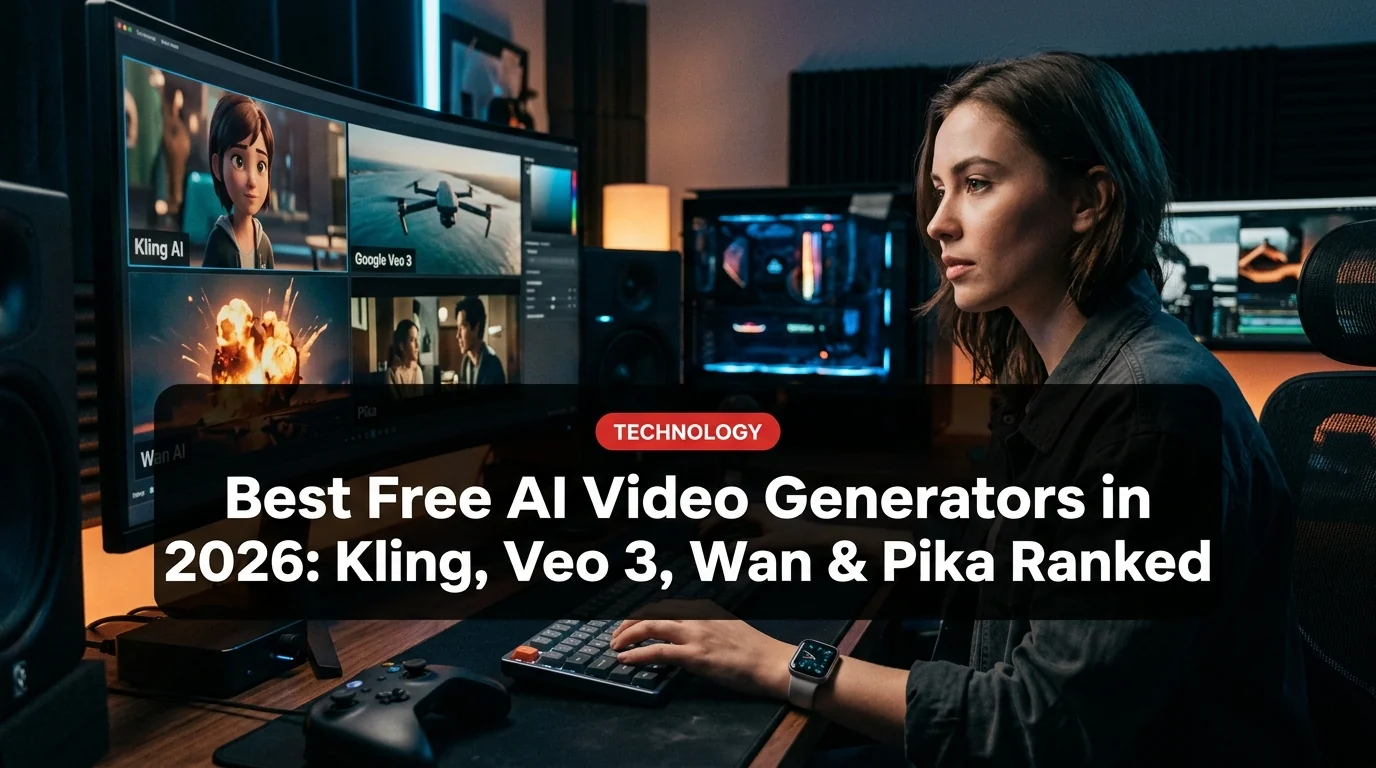
Free AI video generation has quietly become one of the most competitive spaces in tech in 2026. Four platforms — Kling AI, Google Veo 3.1, Wan 2.2, and Pika — all offer genuinely usable free tiers. The question isn't whether you can generate AI video for free. It's which one gives you the most without reaching for a credit card.
We tested all four on their free plans in March 2026. Here's the honest breakdown.
::stats title: Free AI Video Generator Quick Stats (March 2026) Kling AI 3.0 | 66 daily credits | No credit card | 5–10 sec clips Google Veo 3.1 | 100 monthly credits | Google account | 4–8 sec clips Wan 2.2 | Unlimited (local) / limited API | Open-source | Up to 10 sec Pika AI | 30–200 daily credits | Free account | Up to 1080p ::
1. Kling AI 3.0 — Best Overall Free Tier
Kling AI, built by Chinese tech company Kuaishou, has become the go-to recommendation for free AI video in 2026 — and it earns that title. The free plan gives you 66 daily credits that refresh every 24 hours, no credit card required. That's enough for roughly six standard 5-second clips per day.
What makes Kling stand out is its physics engine. Gravity behaves correctly. Liquids flow realistically. Fabric moves with weight. That's rare even among paid tools.
Kling 3.0 also introduced multi-shot storyboard support, letting you chain scenes for consistent visual continuity — something that previously required expensive subscriptions. You also get start/end frame control, motion control, and avatar creation on the free plan.
::proscons title: Kling AI 3.0 pros: 66 daily free credits refresh reliably, No credit card needed, Physics-aware generation (best in class), Multi-shot storyboards free, Strong cinematic realism cons: Watermark on free clips, 5-second clips only on free tier, Slower queue during peak hours, Mobile app is China-region primary ::
Best for: Regular creators who need consistent daily output.
2. Google Veo 3.1 — Best Quality Per Clip
If raw quality matters more than volume, Veo 3.1 wins. Google's video model is integrated into the Gemini ecosystem and delivers 100 free credits monthly to any personal Google account — enough for roughly 12–25 clips depending on length.
The output quality is genuinely cinematic. Veo 3.1 handles lighting, depth of field, and motion with a level of realism that feels more like a film tool than a content generator. It supports 1080p and 4K output, and can extend clips up to 60 seconds (though free-tier clips cap at 4–8 seconds).
One major differentiator: native audio generation. Veo 3.1 can add ambient sound, music beds, and even dialogue directly to clips — no other free-tier tool matches this.
::keyfacts title: Google Veo 3.1 Key Facts
- Available via Google account at imagine.art and EaseMate AI
- 100 free monthly credits (personal accounts)
- Supports text-to-video and image-to-video
- Built-in audio generation (unique among free tools)
- 4K output available on paid tiers; 1080p free
- Context window: integrates with Gemini 2.5 for prompt enhancement ::
Best for: Quality-first creators who prioritize fewer, better clips.
3. Wan 2.2 — Best for Technical Users
Wan 2.2 (from Alibaba's research lab) takes a different approach: it's open-source and can run locally. If you have the hardware — ideally a GPU with 8GB+ VRAM — you get unlimited generation with no watermark, no credits, no subscription.
For everyone else, the hosted free tier is more limited: Higgsfield's Wan 2.5 integration gives 2 free generations to try, and EaseMate AI offers daily free full HD clips via Wan 2.2.
Wan 2.5 added synchronized audio, lip-sync, and high-resolution 1080p output for 5–10 second videos. The image-to-video pipeline is particularly strong — upload a reference image and it animates it with remarkable fidelity.
::alert info Wan runs locally on consumer GPUs (RTX 3080 or better). If you have the hardware, this is the only truly unlimited free option in 2026 — no watermarks, no credits, no usage limits. ::
Best for: Developers, researchers, and anyone with a capable local GPU.
4. Pika AI — Best for Casual Creators
Pika Labs built its reputation on accessibility, and the free tier reflects that. You get 30 daily credits (some platforms offer 200 upon sign-up), HD output up to 1080p, and a surprisingly clean watermark-free download option.
What Pika lacks in raw realism it makes up for in creative tooling:
- Pikaframes: Smooth AI-generated transitions between keyframes
- Pikaswaps: Swap objects in existing video using text prompts
- Pikadditions: Add elements (people, objects) into video scenes
- Pikaffects: Special effects layer (fire, snow, explosions)
The Turbo model generates clips in seconds, making Pika the fastest option for quick iteration.
::proscons title: Pika AI pros: Fast Turbo generation, Watermark-free downloads (on some tiers), Creative manipulation tools (Pikaswaps, Pikadditions), Browser-based, no install needed, Strong for animation and stylized video cons: Lower realism than Kling/Veo, Daily credit limit on free plan, Physics/lighting less accurate than competitors, Best features locked behind paid plans ::
Best for: Content creators who want effects and manipulation, not just generation.
Head-to-Head Comparison
| Tool | Daily Free Credits | Watermark | Max Quality | Unique Feature |
|---|---|---|---|---|
| Kling AI 3.0 | 66 (daily) | Yes | 1080p | Physics engine |
| Google Veo 3.1 | ~3–8/day (100/mo) | No | 4K (paid) | Native audio |
| Wan 2.2 | Unlimited (local) | No | 1080p | Open-source |
| Pika AI | 30–200 (varies) | No (some tiers) | 1080p | Creative effects |
::versus title: Kling AI 3.0 vs Google Veo 3.1 left: Kling AI 3.0 right: Google Veo 3.1 left_points: 66 daily credits, Daily refresh (not monthly), No credit card needed, Better physics simulation, Multi-shot storyboards right_points: Higher visual quality per clip, Native audio generation, 4K capable, Google ecosystem integration, Cinematic lighting winner: Depends on use case — volume vs quality ::
How to Get Started (Free, No Credit Card)
Kling AI 3.0:
- Go to klingai.com or dzine.ai/tools/kling
- Create a free account (email only)
- You start with 66 daily credits automatically
Google Veo 3.1:
- Visit imagine.art or easemate.ai
- Sign in with Google account
- 100 credits are loaded monthly
Wan 2.2 (hosted):
- Visit easemate.ai/wan-2-2-video-generator
- Create free account
- Daily free generations available
Pika AI:
- Visit pika.art
- Sign up for free
- 30+ daily credits loaded automatically
::alert success Pro tip: Stack platforms. Use Kling for your daily batch (66 credits), save Veo 3.1's monthly credits for your best projects, and use Pika for quick effects work. All free, all no credit card. ::
Which One Should You Use?
Choose Kling AI 3.0 if you need consistent daily output and value realistic physics. It's the most reliable free-tier workhorse in 2026.
Choose Google Veo 3.1 if you're making fewer, higher-stakes clips and want the best possible quality — especially with audio.
Choose Wan 2.2 if you're technically minded, have local GPU hardware, and want completely unlimited, watermark-free generation.
Choose Pika AI if your workflow involves remixing existing video, adding effects, or creating stylized animation rather than hyper-realistic footage.
The honest answer: use all four. Each has a distinct free-tier niche, and stacking them gives you a production pipeline that would have cost hundreds of dollars per month just two years ago.
Frequently Asked Questions
Are these tools actually free — no hidden charges? Yes, all four have genuine free tiers. Kling, Veo 3.1, and Pika require an account but no payment method. Wan runs locally with no account at all. Paid tiers exist but are not required to start generating.
Do free tiers add watermarks? Kling AI adds a watermark on free clips. Veo 3.1 does not. Wan (local) does not. Pika varies by platform — some third-party hosts offer watermark-free downloads on free accounts.
What's the catch with 'unlimited' Wan? Local Wan requires significant GPU hardware (8GB+ VRAM recommended, 16GB+ for best results). The API free tiers are limited. 'Unlimited' only applies to local self-hosted runs.
Can I use free AI video for commercial projects? Kling and Pika free tiers restrict commercial use — check their terms. Google Veo 3.1 allows personal use free. Wan 2.2 (open-source, local) has the most permissive license for commercial use.
How long are the free video clips? Most free-tier clips are 4–10 seconds. Longer clips (up to 60 seconds) are available on paid tiers or via prompt-chaining on some platforms.