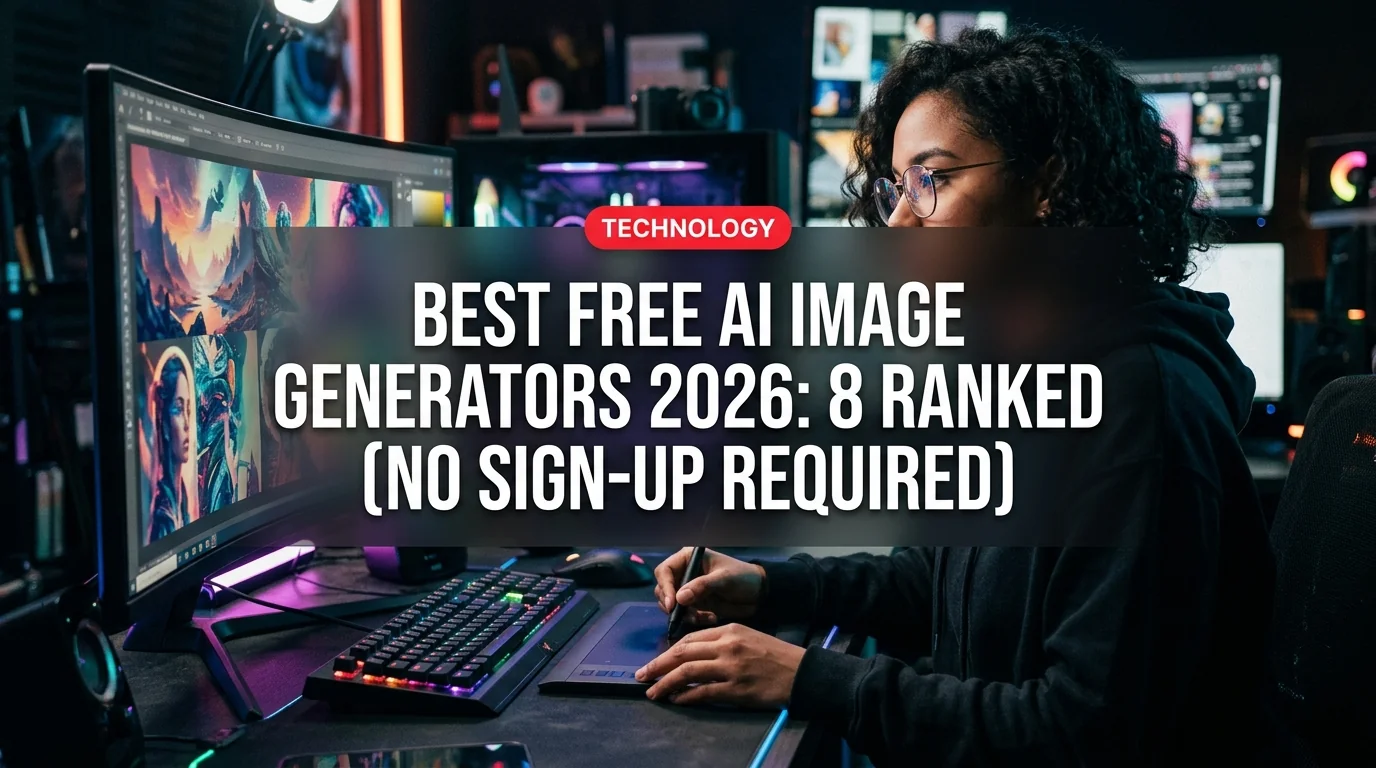
Creating stunning AI-generated images used to mean paying for subscriptions or jumping through sign-up hoops. In 2026, that's changed dramatically. A new wave of tools lets you generate high-quality images from text prompts with zero account required — no email, no credit card, no waiting for a confirmation link.
We tested 12 free AI image generators and ranked the 8 best based on image quality, speed, ease of use, and how genuinely "no sign-up" they actually are.
Why Go No-Sign-Up?
The biggest advantage isn't convenience — it's privacy. When you create a free account, you're typically agreeing to have your prompts stored, analyzed, and potentially used to train future models. No-sign-up tools let you generate images with minimal data exposure.
They're also faster for one-off projects: need a quick concept image for a blog post or presentation? You don't want to spend five minutes filling out a form before you can start.
The 8 Best Free AI Image Generators in 2026
1. Adobe Firefly (Guest Mode) — Best Overall Quality
URL: firefly.adobe.com
Adobe Firefly offers a guest mode that lets you generate images without an Adobe account — though you're limited to 25 free generations before it nudges you to sign in. The trade-off is worth it: Firefly consistently produces the cleanest, most commercially usable images of any free tool.
Because it's trained on Adobe Stock and public domain content, you're not walking into copyright grey areas the way you might with other generators. For marketers, designers, and anyone who needs images they can actually publish, this is the one to start with.
Best for: Marketing visuals, product mockups, professional-grade output Limit: ~25 guest generations, then free account required
2. Craiyon — Best Truly Unlimited Option
URL: craiyon.com
Formerly DALL-E Mini, Craiyon has been the everyman's AI image generator since 2022 and it's only gotten better. In 2026, it's still completely free, requires zero sign-up, and generates 9 image variants per prompt. There's no daily cap.
The images won't match Firefly or Midjourney quality, but for concept exploration — testing multiple visual directions quickly — nothing beats generating 9 variations at once for free.
Best for: Brainstorming, concept testing, style exploration Limit: None (slower generation during peak hours)
3. Raphael AI — Best for High-Fidelity No-Account Images
URL: raphael.app
Raphael positions itself as the world's first truly unlimited, completely free AI image generator requiring no registration. In testing, that claim holds up. The Z-Image model in particular produces commercial-photography-quality results that rival paid tools.
For e-commerce product shots or ad creatives, Z-Image is remarkably capable. The UI is clean and prompt adherence is strong — what you type is what you get.
Best for: E-commerce imagery, ad creatives, high-realism photos Limit: Unlimited (no sign-up required)
4. DeepAI — Best for Style Variety
URL: deepai.org/machine-learning-model/text2img
DeepAI requires no login and offers one of the widest style selections of any free tool: realism, abstract, cartoon, watercolor, sci-fi, fantasy, and more. You can also choose image orientation (landscape, portrait, square) and processing quality (Standard, HD, Genius).
The Genius model produces noticeably sharper results, though it takes longer. For creative projects where style specificity matters, DeepAI's flexibility is hard to match at zero cost.
Best for: Creative projects, illustration styles, varied artistic outputs Limit: No sign-up required; HD and Genius modes are free but slower
5. Bing Image Creator (Microsoft Designer) — Best DALL-E 3 Access
URL: bing.com/images/create
Technically requires a Microsoft account, but a free Microsoft account is trivially easy to create and gives you access to DALL-E 3 — one of the most capable image models available. You get 15 fast "boost" generations per day, then unlimited slower generations.
DALL-E 3's text rendering is significantly better than most alternatives — if your image needs readable words or signs embedded in it, this is the tool. The integration with Microsoft Designer also makes it easy to drop generated images straight into design templates.
Best for: Images with text, photorealistic scenes, daily regular use Limit: 15 fast/day, then unlimited at slower speed (free Microsoft account required)
6. Stable Diffusion Online — Best for Power Users
URL: stablediffusionweb.com
For anyone who knows what "negative prompts," "CFG scale," and "sampling steps" mean, Stable Diffusion Online offers open-source power in a browser window with no account needed. It's the most technically flexible option here.
Absolute beginners may be overwhelmed — the interface exposes more controls than most people need. But for photographers, concept artists, and developers who want precise control over outputs, no other free tool comes close.
Best for: Technical users, artists, developers, precise image control Limit: No sign-up; queue times vary by demand
7. Hugging Face Spaces — Best for Cutting-Edge Models
URL: huggingface.co/spaces
Hugging Face hosts thousands of AI model demos, including many image generators, and most require zero account to try. The advantage here is access to brand-new models before they hit commercial platforms — if a hot new image model dropped last week, there's almost certainly a Space running it already.
The trade-off: queue times can be long for popular models, and the experience varies by Space. Think of this less as a polished product and more as a laboratory for early access.
Best for: Trying new/experimental models, developers, researchers Limit: Varies by Space; most are free, some require Hugging Face account
8. NoteGPT AI Image Generator — Best for Beginners
URL: notegpt.io/ai-image-generator
NoteGPT's image tool is the most beginner-friendly entry on this list. The interface strips everything down to a single text box and a style picker. No jargon, no complex settings — just type what you want and click generate. Powered by Gemini and Nano Banana Pro models, results are solid for everyday use.
Best for: First-timers, simple quick images, students Limit: Unlimited, no sign-up required
- Zero cost with no hidden paywalls
- No email or personal data required
- Instant access — start generating in seconds
- Multiple style options across different tools
- Commercial use available on several platforms (check terms)
- Quality ceiling is below paid tools like Midjourney v7 or Flux Pro
- No account means no saved image history
- Generation speeds slow during peak hours
- Some "unlimited" tools quietly throttle after heavy use
How to Choose the Right Tool
Your choice should come down to what you're actually making:
- Marketing/professional use → Start with Adobe Firefly (guest mode) for commercial safety
- Creative exploration → Craiyon for volume, DeepAI for style variety
- Photorealistic images → Raphael AI's Z-Image model
- Images with readable text → Bing Image Creator (DALL-E 3)
- Maximum control → Stable Diffusion Online
- Newest models → Hugging Face Spaces
- First time ever → NoteGPT for the simplest experience
- Adobe Firefly uses licensed training data — safest for commercial use
- DALL-E 3 (via Bing) is still the gold standard for text-in-image generation
- Raphael AI and Craiyon are the only two that are genuinely unlimited with no account at all
- Stable Diffusion Online gives the most creative control of any free browser-based tool
- All tools here are free as of March 2026 — features and limits may change
What About Watermarks?
Most no-sign-up tools don't add watermarks — but always check before using images professionally. Craiyon's standard output is watermark-free on its free tier. Bing Image Creator images have subtle metadata but no visible watermark. Adobe Firefly guest-mode images are clean and commercially usable within their terms.
The one thing all these tools have in common: the output quality is tied directly to prompt quality. A vague prompt produces a vague image. The more specific you are — style, lighting, subject, mood, composition — the better your results across every tool on this list.
Bottom Line
For most people, the workflow is simple: start with Adobe Firefly for anything professional, use Craiyon when you need volume, and try Raphael AI when you want high-realism results with zero friction. All three require no sign-up in their basic form and produce results good enough for real projects.
The gap between free and paid AI image generation has narrowed dramatically in 2026. You don't need a Midjourney subscription for most everyday image needs — the tools above will handle them fine.