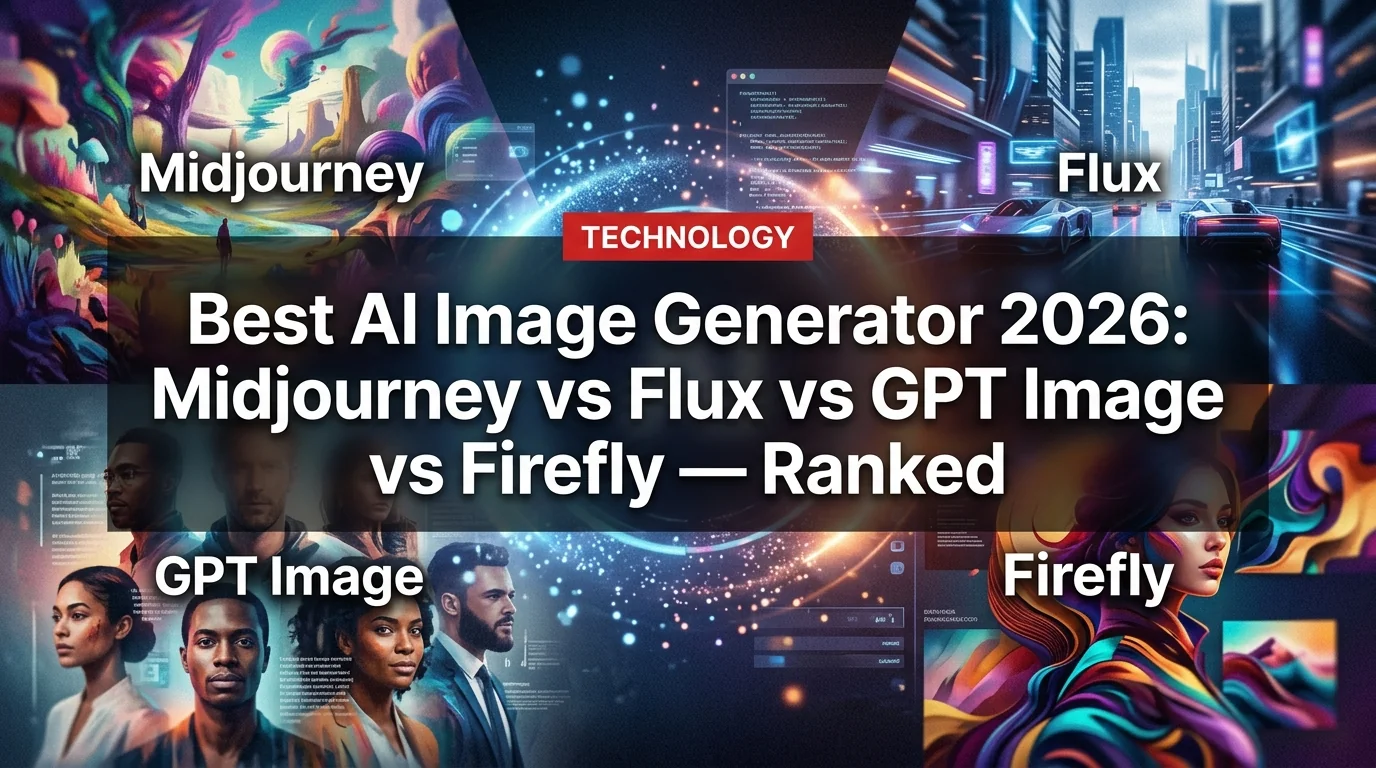
AI image generation has exploded in 2026. There are now half a dozen genuinely excellent tools competing for your money — and picking the wrong one means paying $30/month for mediocre results on work that another tool would nail in seconds.
We tested Midjourney v7, Flux 1.1 Pro, GPT Image 1.5 (via ChatGPT), Adobe Firefly 2026, Stable Diffusion 3.5, and Leonardo AI across 50+ prompts spanning photorealism, artistic renders, product mockups, and text-in-image tasks. Here's the unfiltered verdict.
How We Ranked Them
We evaluated each tool on five criteria:
- Image quality — sharpness, detail, realism
- Prompt adherence — does it actually do what you ask?
- Text rendering — can it put legible text inside an image?
- Speed — seconds per generation
- Value — quality per dollar
1. Flux 1.1 Pro — Best Overall Image Quality
Starting price: $0.04/image via API | Krea, Replicate, fal.ai
Flux 1.1 Pro from Black Forest Labs has quietly become the benchmark for raw image quality in 2026. If your metric is "looks most like a real photograph," Flux wins — and it's not particularly close.
Skin texture shows actual pores. Concrete shows actual grit. Lighting behaves like physics exists. When we prompted for a woman standing near a window in golden hour light, Flux rendered realistic subsurface scattering on her skin — the kind of detail that makes you forget it's AI.
It's also the fastest of the premium models, generating images in 4-8 seconds where Midjourney typically takes 15-25.
The catch: Flux 1.1 Pro doesn't have a polished consumer interface. You access it through third-party platforms like Krea (subscription) or via API. It's a power-user tool.
- Highest technical image quality tested
- Exceptional photorealism — best anatomy, textures
- Fast generation (4-8 seconds)
- Strong text rendering improvements over Flux 1.0
- Pay-per-use via API (no subscription required)
- No official polished interface — need third-party apps
- Less intuitive for beginners
- Fewer style presets than Midjourney
- Community smaller than Stable Diffusion or MJ
Best for: Product photography mockups, photorealistic portraits, architectural visualization, API/developer integrations.
2. Midjourney v7 — Best Artistic Style
Starting price: $10/month (Basic) | midjourney.com
Midjourney remains the king of vibes. No other AI image tool consistently produces images that feel like they were shot by a legendary photographer or painted by a concept artist. That ineffable quality — cinematic composition, perfect color grading, mood — is Midjourney's superpower.
v7 brought significant upgrades: better face consistency, a web interface that's finally usable without Discord, and "Draft Mode" for rapid iteration at half the cost. For creative brainstorming, nothing touches it.
The limitations are real, though. Ask Midjourney to put specific text in an image and you'll get a garbled mess. Request exactly six people standing in a precise formation and it will confidently give you five, or seven. Complex compositional instructions still cause it to improvise.
For the Basic plan at $10/month, you get 200 images — enough for casual use. Serious creators need the Standard plan at $30/month for unlimited relaxed generations.
- Unmatched artistic aesthetic — cinematic, beautiful
- Best for creative brainstorming and concept art
- Large community, tons of prompting resources
- Web interface finally solid in v7
- Draft Mode for fast, cheap iterations
- Terrible text rendering in images
- Struggles with precise compositional instructions
- Basic plan images are public (privacy concern)
- No direct API — can't automate easily
- Pricier than API-based alternatives
Best for: Concept art, illustration, marketing visuals, creative direction, social media content.
3. GPT Image 1.5 (ChatGPT) — Best Prompt Accuracy
Starting price: Included with ChatGPT Plus ($20/month) | chatgpt.com
OpenAI's GPT Image 1.5 (successor to DALL-E 3, integrated into ChatGPT) made a huge leap in one specific area: it actually does what you tell it to do.
Ask it to generate a logo with the word "APEX" in bold blue letters with a mountain icon above it — and that is exactly what you get. Text rendering is the best of any model we tested, handling multiple languages including Arabic and Japanese with legible results. This sounds basic, but it's a breakthrough that every other model still fumbles.
The conversational editing flow inside ChatGPT is genuinely useful. "Make the background darker" and "add a shadow under the object" work. You iterate through dialogue, not by rewriting prompts from scratch.
The downside: it's slower than competitors (often 30+ seconds), and you're limited by ChatGPT's content policy, which is stricter than Midjourney's. Dramatic, stylized, or edgy content often gets declined.
- Best text-in-image rendering of any model
- Excellent complex prompt understanding
- Conversational editing — refine via chat
- Included in ChatGPT Plus you may already pay for
- Strong for logos, ads, mockups, infographics
- Slowest generation time (30-60 seconds)
- Strict content policy — lots of refusals
- Artistic quality lags Midjourney and Flux
- One image at a time by default
Best for: Business graphics, logos, ads, infographics, product mockups with text, anything requiring precise prompt execution.
4. Adobe Firefly 2026 — Best for Commercial Use
Starting price: Included with Creative Cloud ($60/month) | firefly.adobe.com
Adobe Firefly's big story in 2026 is its Partner Models integration. Firefly now lets you access Flux, GPT Image, and Google's Imagen 4 (Nano Banana) directly inside the Firefly interface — combining multiple AI engines under one commercial-safe umbrella.
Firefly Image 5 (its native model) is solid but not class-leading on raw quality. Where Firefly wins decisively is legal certainty: its native models are trained exclusively on Adobe Stock and licensed content, meaning output is commercially safe without the copyright ambiguity hanging over Midjourney or Stable Diffusion.
For professional designers already in Creative Cloud, Firefly integrates directly into Photoshop and Illustrator. Generative Fill and Generative Expand are production-grade workflow tools. The Partner Models option means you can use Flux's quality inside Firefly's safe environment.
- Commercial-safe by design — no copyright ambiguity
- Photoshop/Illustrator integration is seamless
- Partner Models: access Flux + GPT Image in one place
- Generative Fill and Expand are genuinely excellent
- Enterprise/agency friendly
- Native Firefly quality doesn't match Flux or MJ standalone
- Expensive standalone (or requires existing CC subscription)
- Interface is slower to iterate than pure-AI tools
Best for: Professional designers, agencies, any commercial project requiring copyright-safe output.
5. Stable Diffusion 3.5 — Best Free/Open Source
Starting price: Free (run locally) | stability.ai
For technically inclined users, Stable Diffusion 3.5 remains the free king. Run it locally, run it privately, customize it infinitely with LoRA fine-tuning. The community has created thousands of specialized models — everything from anime characters to architectural floor plans to product photography.
SD 3.5 Large produces images competitive with Midjourney v6 in artistic quality. It's not quite at Flux 1.1 Pro's photorealism level, but it's dramatically better than any previous open-source release.
Requirements: you need an Nvidia GPU with at least 8GB VRAM to run it locally at a usable speed. Without hardware, you'll use it via cloud interfaces (Automatic1111 on RunPod, etc.) which adds latency and cost.
Best for: Privacy-conscious users, developers, hobbyists, fine-tuned custom models, NSFW applications, anyone who wants to own their stack.
Head-to-Head Comparison
- Best artistic aesthetic
- Great for creative/marketing
- $10-30/month subscription
- Weak text rendering
- Best technical quality
- Best for photorealism
- Pay-per-image or API
- Needs third-party interface
Pricing Summary
Which Should You Choose?
You're a creative professional or marketer: Midjourney v7. The aesthetic quality is worth the subscription, and the community makes you better faster.
You need photorealistic images for product work: Flux 1.1 Pro via API or Krea. Best quality, pay only for what you use.
You need text in your images or precise instruction-following: GPT Image 1.5 inside ChatGPT Plus. Only option that reliably renders text.
You work in agency/commercial settings: Adobe Firefly 2026. Commercial safety plus Photoshop integration makes it the professional standard.
You're a developer or want free/private: Stable Diffusion 3.5. Full control, no subscription, endless customization.
- Flux 1.1 Pro scores highest on technical image quality benchmarks in 2026
- GPT Image 1.5 is the only model reliably rendering multi-language text in images
- Adobe Firefly 2026 now integrates Flux and GPT Image via Partner Models
- Midjourney v7 finally added a proper web interface — Discord no longer required
- Stable Diffusion 3.5 Large runs on consumer GPUs with 8GB+ VRAM
The gap between the top tools is real but narrower than it's ever been. In 2025, Midjourney was untouchable. In 2026, Flux has matched it on quality, GPT Image has lapped it on accuracy, and the competition forces everyone to improve. Good news for users.