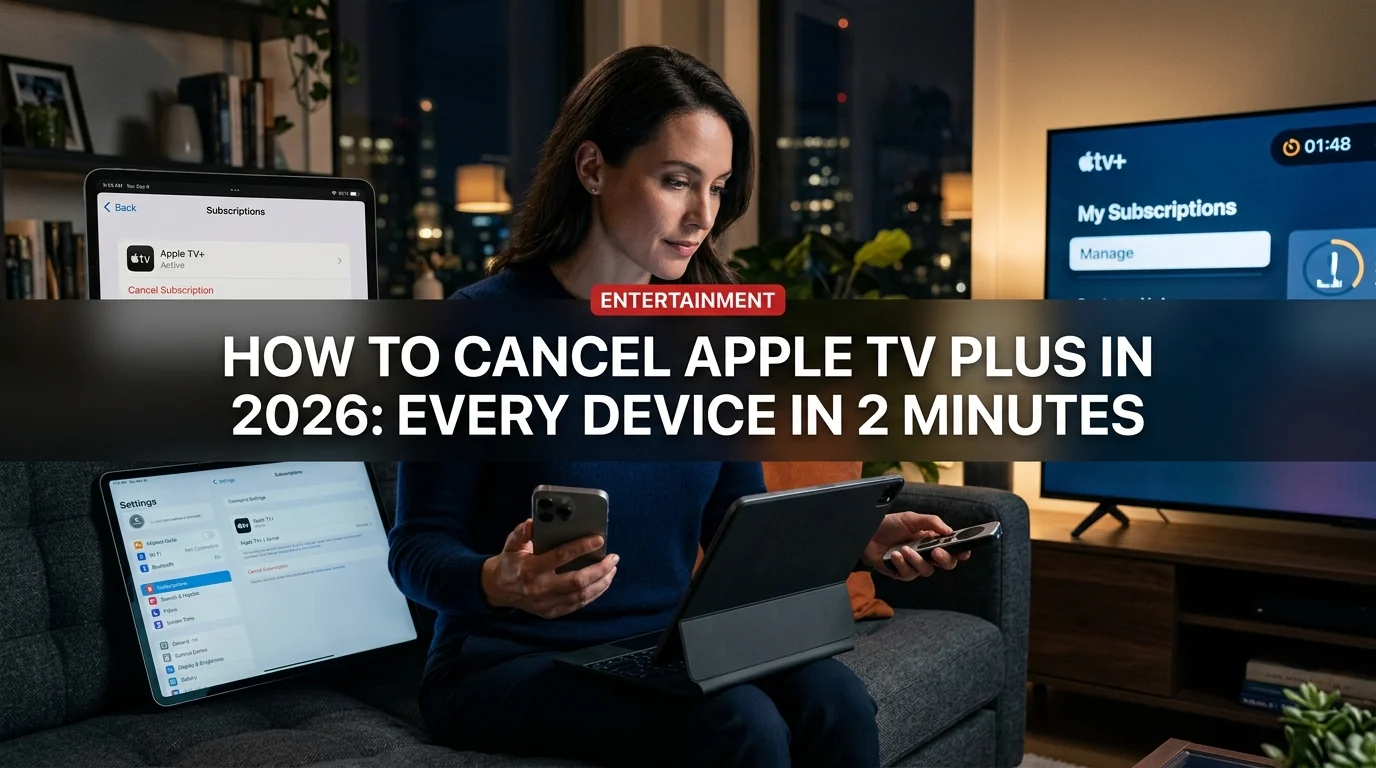
Apple TV Plus costs $9.99 per month — and canceling it should take less time than one episode of Severance. Whether you're cutting costs or finished binge-watching, here's exactly how to cancel Apple TV+ on every device in 2026, plus what happens to your content afterward.
Before You Cancel: Pause vs. Cancel
If you're only stepping away temporarily — say, you've finished Severance Season 3 and nothing new interests you right now — consider pausing instead of canceling. Apple doesn't offer an official pause button, but you can cancel and re-subscribe at any time without losing your watch history or saved shows.
Should you pause or cancel?
- Immediate savings ($9.99/month)
- No charge while you're not watching
- Easy to resubscribe anytime
- Watch history is preserved when you return
- Lose access to downloads immediately after billing period ends
- Miss new episodes releasing during your gap
- Have to remember to resubscribe
How to Cancel Apple TV Plus on iPhone or iPad
This is the fastest method for most people.
- Open the Settings app (gray gear icon)
- Tap your name at the top
- Tap Subscriptions
- Find Apple TV+ in the list — it may be under "Active"
- Tap Cancel Subscription
- Confirm by tapping Confirm
You'll see a confirmation message and the date your access ends. You keep access through the end of your current billing period.
Can't find Subscriptions? Try Settings → your name → Media & Purchases → Manage Subscriptions instead.
How to Cancel Apple TV Plus on Mac
- Open the App Store
- Click your account icon (bottom-left corner)
- Click Manage Subscriptions (or your account name → Subscriptions)
- Find Apple TV+ and click Edit
- Click Cancel Subscription
- Confirm
Alternatively, open System Settings → your Apple ID → Subscriptions and follow the same steps.
How to Cancel Apple TV Plus on Apple TV (tvOS)
- Go to the Settings app on your Apple TV
- Select Users and Accounts
- Select your account
- Select Subscriptions
- Select Apple TV+
- Select Cancel Subscription
How to Cancel Apple TV Plus on the Web
No Apple device nearby? You can cancel via browser.
- Go to tv.apple.com and sign in
- Click your profile icon (top-right corner)
- Select Settings
- Under Subscriptions, find Apple TV+ and click Manage
- Click Cancel Subscription and confirm
How to Cancel Apple TV Plus on Windows (iTunes / Apple TV App)
- Open the Apple TV app (or iTunes if that's what you have)
- Click Account in the menu bar → Manage Subscriptions
- Sign in with your Apple ID
- Find Apple TV+ → Click Edit → Cancel
What Happens After You Cancel Apple TV Plus
This is the part most people forget to check before canceling.
- You keep access until the end of your current billing period
- Downloaded content becomes unavailable once your subscription ends
- Your watch history, lists, and "Up Next" queue are preserved
- Family Sharing members lose access at the same time as you
- Free trial cancellations end access immediately (no partial-month credit)
- Resubscribing restores your full watch history
What about downloaded episodes? Any offline downloads you saved will no longer play once your subscription lapses — even if you downloaded them to your device. Apple TV+ uses DRM that requires an active subscription to play downloaded content.
Canceling Apple TV Plus If You Got It Through a Bundle
If your Apple TV+ is part of Apple One (the bundle that includes Apple Music, iCloud+, Arcade, etc.), you can't cancel Apple TV+ individually. You'd need to either:
- Downgrade your Apple One plan to one that doesn't include Apple TV+
- Cancel Apple One entirely and then resubscribe to only the services you want
To manage Apple One: Settings → your name → Subscriptions → Apple One → Edit.
Got Apple TV+ Free With a Device Purchase?
Apple has historically offered free Apple TV+ trials (3 months to 1 year) with new device purchases. If you're on a free promotional period:
- Canceling ends access immediately — the trial won't resume if you resubscribe
- If you don't cancel before the trial ends, you'll be charged automatically at $9.99/month
- Set a calendar reminder before your trial expires
Alternatives Before You Cancel
If you're canceling purely for cost reasons, consider these first:
Apple One Individual ($19.95/month) — If you already pay for Apple Music ($10.99) and iCloud+ ($2.99), bundling everything costs less than paying separately. Apple TV+ becomes essentially free.
Share with family — Up to six family members can share one Apple TV+ subscription through Family Sharing at no extra cost. Split the bill with someone.
Wait for a deal — Apple occasionally offers discounted or extended trials during promotions, Black Friday, or with new hardware purchases.
How to Resubscribe to Apple TV Plus
Changed your mind? Resubscribing is just as easy:
- Open the Apple TV app on any device
- Find any show and try to play it
- You'll be prompted to subscribe — tap Subscribe
- Confirm with Face ID, Touch ID, or your password
Your watch history and queue will be exactly where you left them.
Frequently Asked Questions
Can I cancel Apple TV Plus and keep my downloads? No. Downloads require an active subscription to play due to DRM. They'll become unplayable once your billing period ends.
Will I get a refund if I cancel mid-month? Apple doesn't offer prorated refunds for canceled subscriptions. You'll keep access until the end of the billing period you already paid for.
Can I cancel Apple TV Plus if I pay through Roku or Amazon? Only if you subscribed directly through Roku or Amazon. Cancel through your Roku or Amazon account settings, not through Apple. If you subscribed through Apple directly (and just use the app on Roku), cancel through Apple.
Does canceling Apple TV Plus affect my other Apple subscriptions? No. Each subscription is independent unless it's bundled under Apple One.
How do I know when my Apple TV Plus renews? Settings → your name → Subscriptions → Apple TV+ shows your next renewal date.